ChatGPT models
Summarize connected records, draft responses and answer questions using OpenAI's API.

We build your AI command center as a branded operating dashboard around your company and connect the business platforms we agree on, so you and your team see clients, work, sales, payments, conversations and next actions together.



















You bought the software, you hired the team, so why does every question still end up on your desk? A lead is waiting on a call, a job is stuck, a customer wants an update, and the only one who can connect the dots is you, clicking through a CRM, two inboxes and a dozen different tabs.
You do not need another app, you need a cockpit. We build an AI command center around your business, with the systems you already use connected on one single screen. Open any customer and see the conversation, the work, the payment and the next step together. Now you can actually talk to your business.
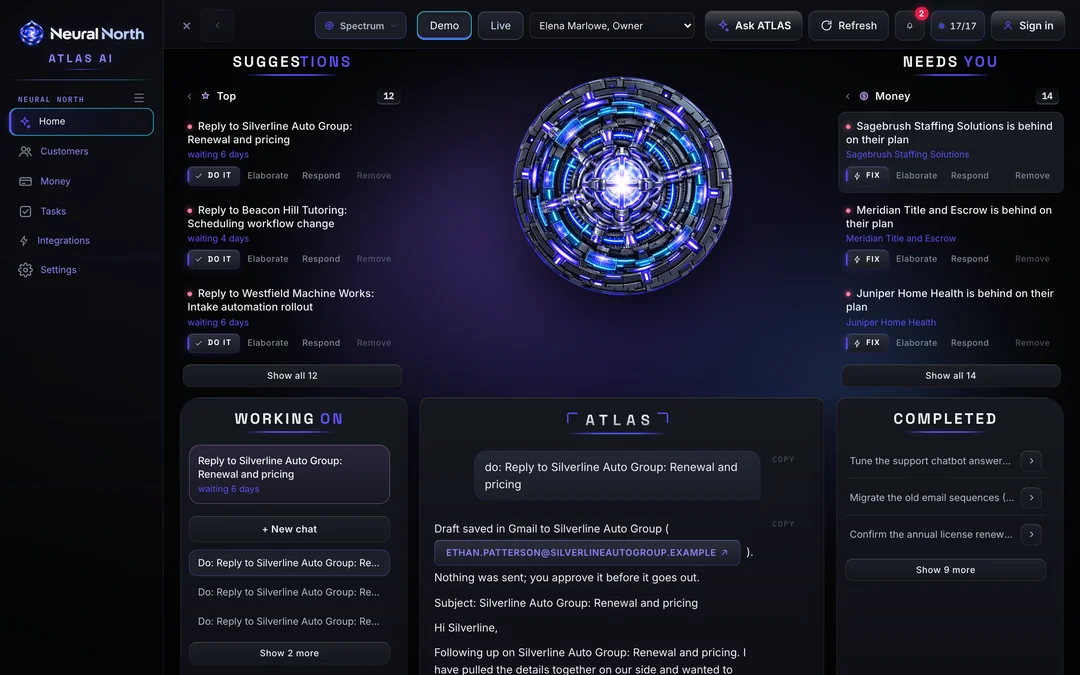
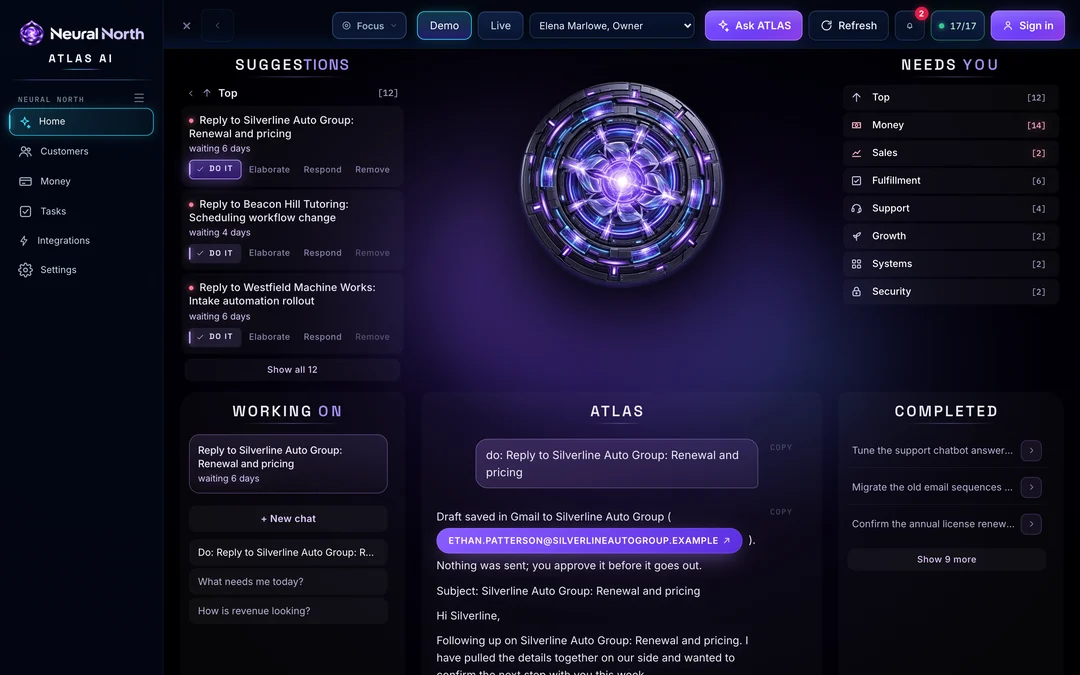
Ask ATLAS which customers need a follow-up today. ATLAS pulls up the record, shows you why and drafts the message. You review it and approve it, and nothing goes out without you. Every morning starts with a brief written from your own data: what needs you, who owns it and what is at risk. Everyone on your team gets the view their role needs.
We build it around your industry, your process and your brand. We set it up, we test every connection and we get your team comfortable. You do not have to become an AI expert to put AI to work. Stop being the dashboard and start running the business.
Book a free 15-minute demo. We will show you a working command center and map out what yours could look like.
Connect the knowledge in your Obsidian vault to your command center. Keep decisions, processes and client context together, ready for your team and AI assistant.
Obsidian integration is rolling out across the command center family. Each business's connection is configured before its notes become available.
Bring ChatGPT models, Claude or another supported AI provider into your command center. We configure the connection around your business.
Summarize connected records, draft responses and answer questions using OpenAI's API.
Work through documents, explain the evidence and plan next steps using Anthropic's API.
Connect another supported AI API after we confirm its capabilities and data handling.
We agree on models, permissions, usage limits and costs during setup. API access is separate from chat subscriptions. Your team reviews consequential actions.
Your day runs across a CRM, two inboxes, a payment processor, a calendar and a dozen tabs. The information already exists; it is just scattered. A command center pulls the systems you agree to connect onto one screen, so the things that matter stop waiting for you to go and find them.
Plans, owners, open work and account health on one roster, with each client's conversations and history a click away.
Pipeline stages and the next action on every opportunity, synced from your CRM where its API supports it.
Recurring revenue, renewals and billing that needs attention, from Stripe or the processor you use, where connected.
Email and SMS threads with summaries and AI-drafted replies that a person reviews before anything is sent.
Priorities by owner, due dates and blocked items across your team, with signals that flag what may need attention.
Explore 19 command centers shaped for different industries. See the actual screens, watch a walkthrough, and choose the starting point closest to your business.
Showing all 19 command centers
No command center matches that search. Try a broader word like insurance, dental or any business.
 Atlas AI
 plugs into the tools you already use, shows what needs you today, and answers when you talk to it. No setup team. No training.
The command center for insurance agencies: agents, cases, commissions and compliance in one cockpit.
The command center for dealerships: leads, deals, inventory, F&I and your sales team in one cockpit.
The command center for credit and funding companies, with FundableClub.org, your connected member club.
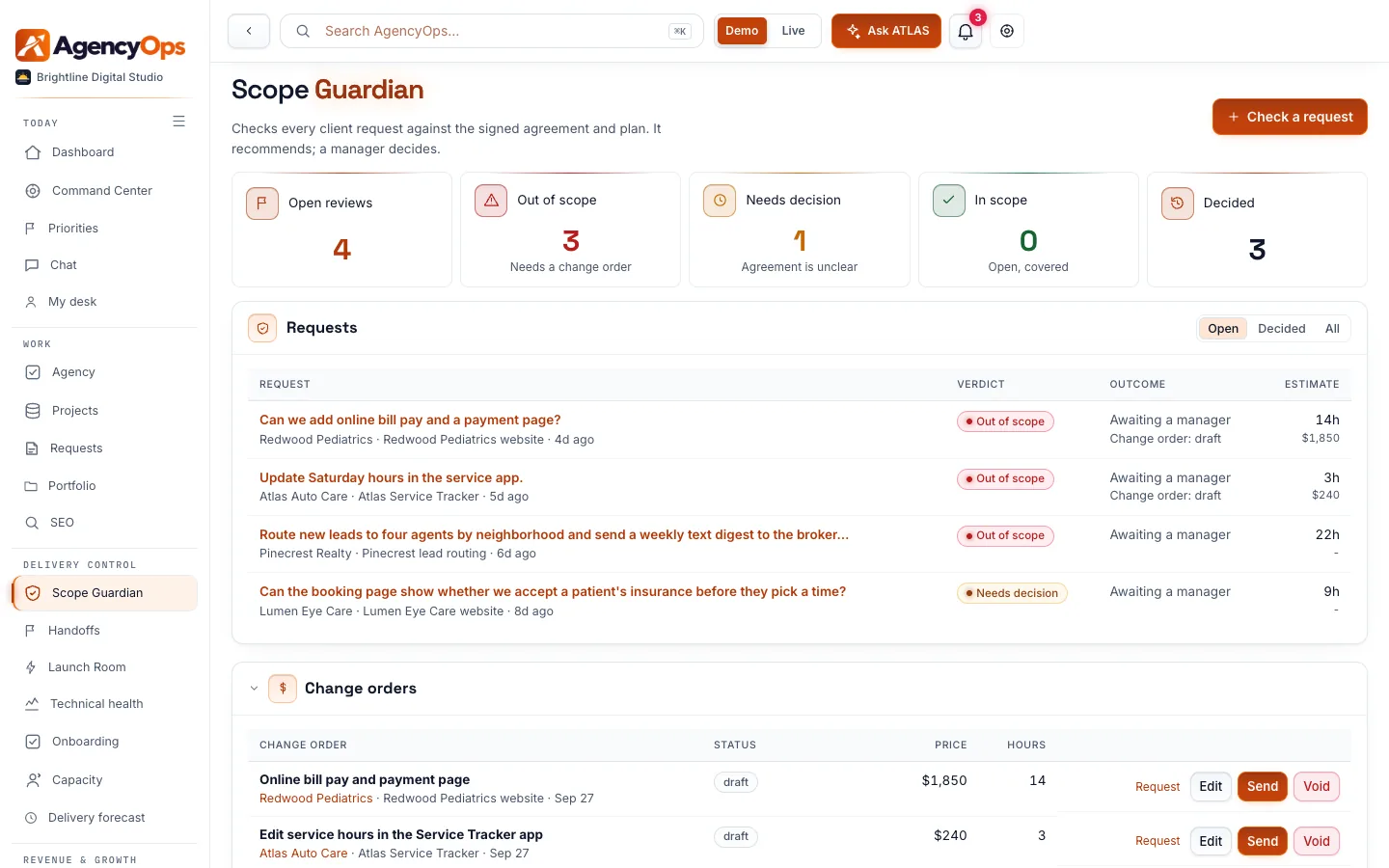
The command center for digital agencies: scope, handoffs, launches and revenue in one cockpit.
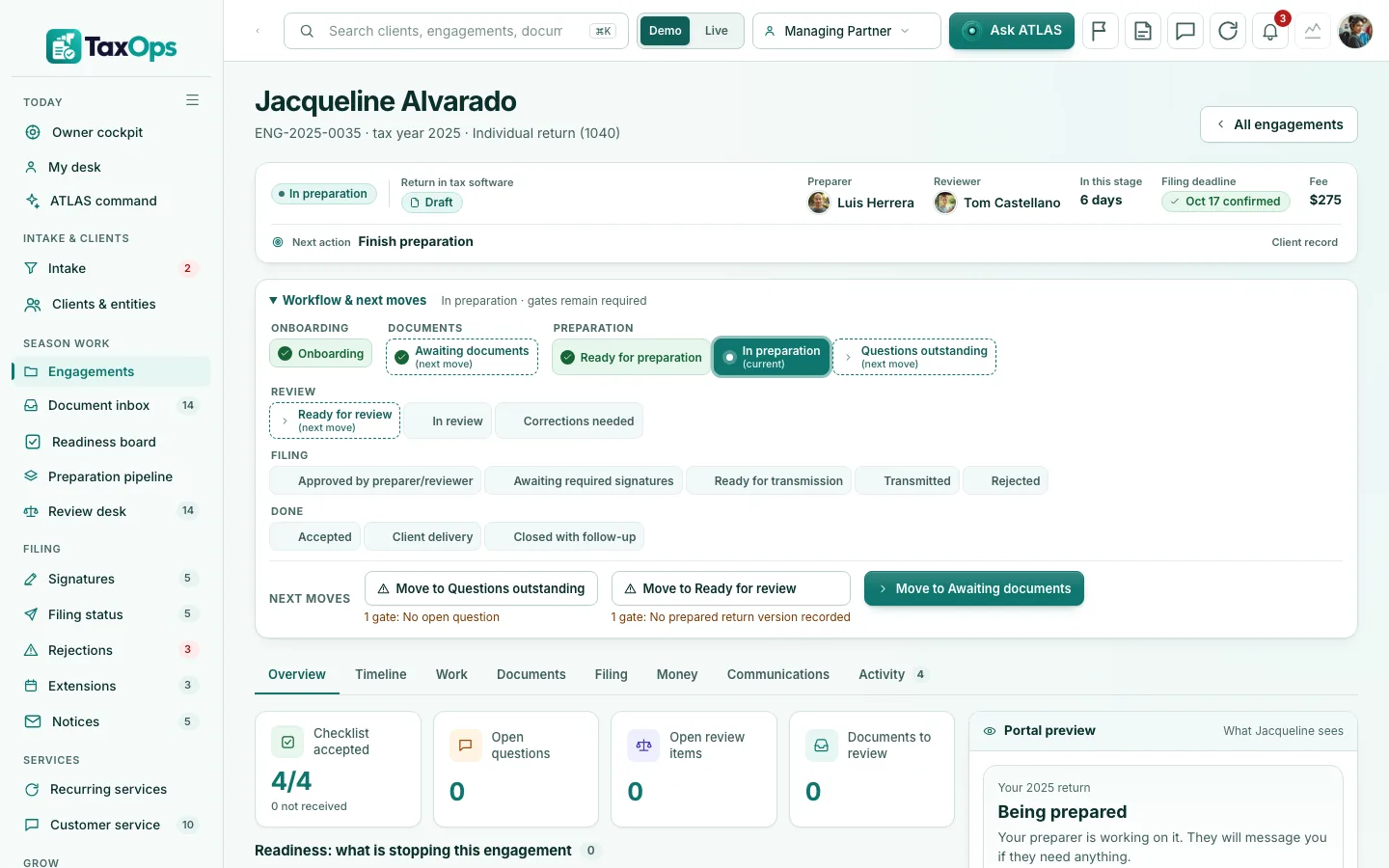
The command center for tax and bookkeeping practices: clients, documents, review and filing in one cockpit.
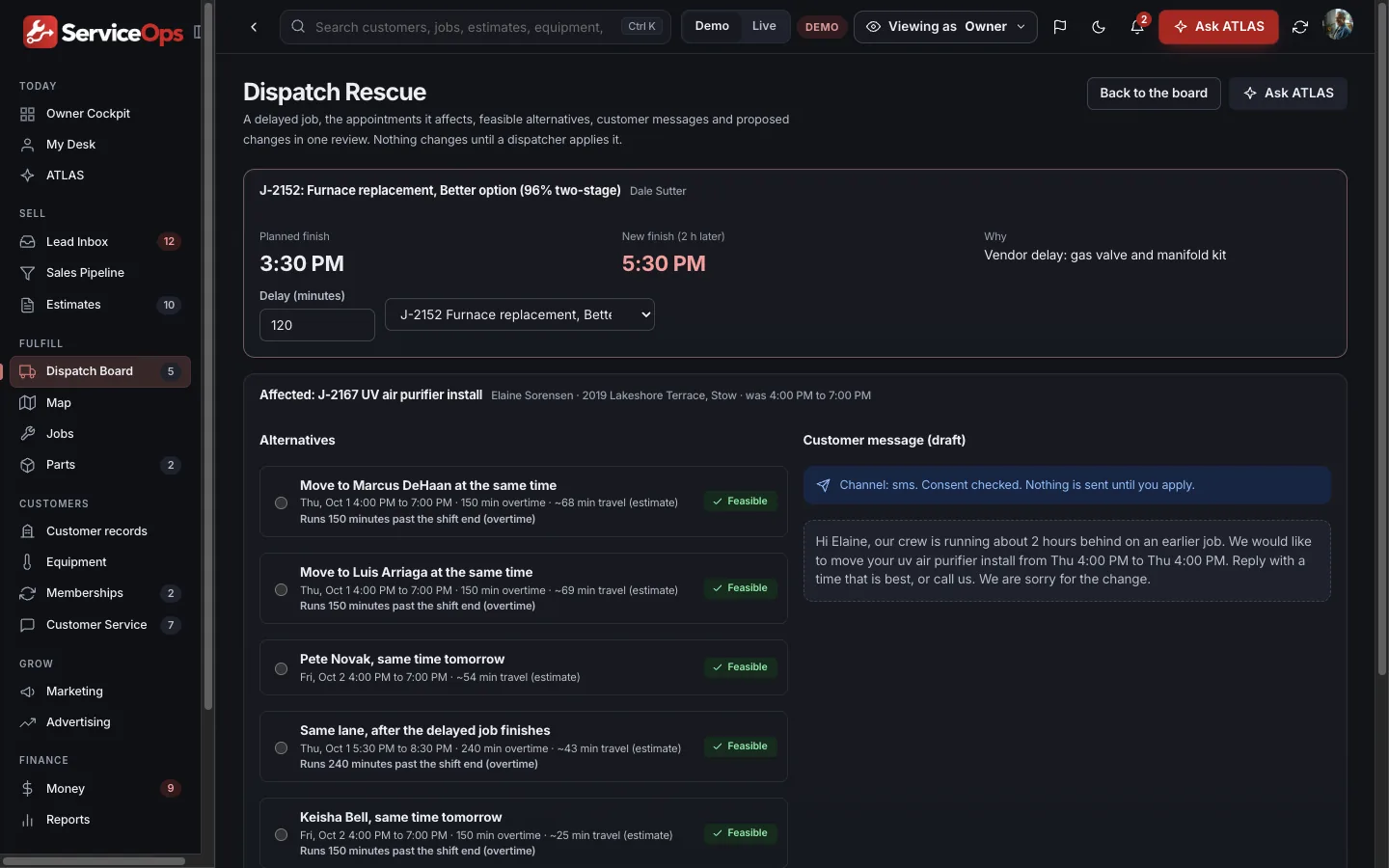
The command center for home service companies: calls, estimates, dispatch and jobs in one cockpit.
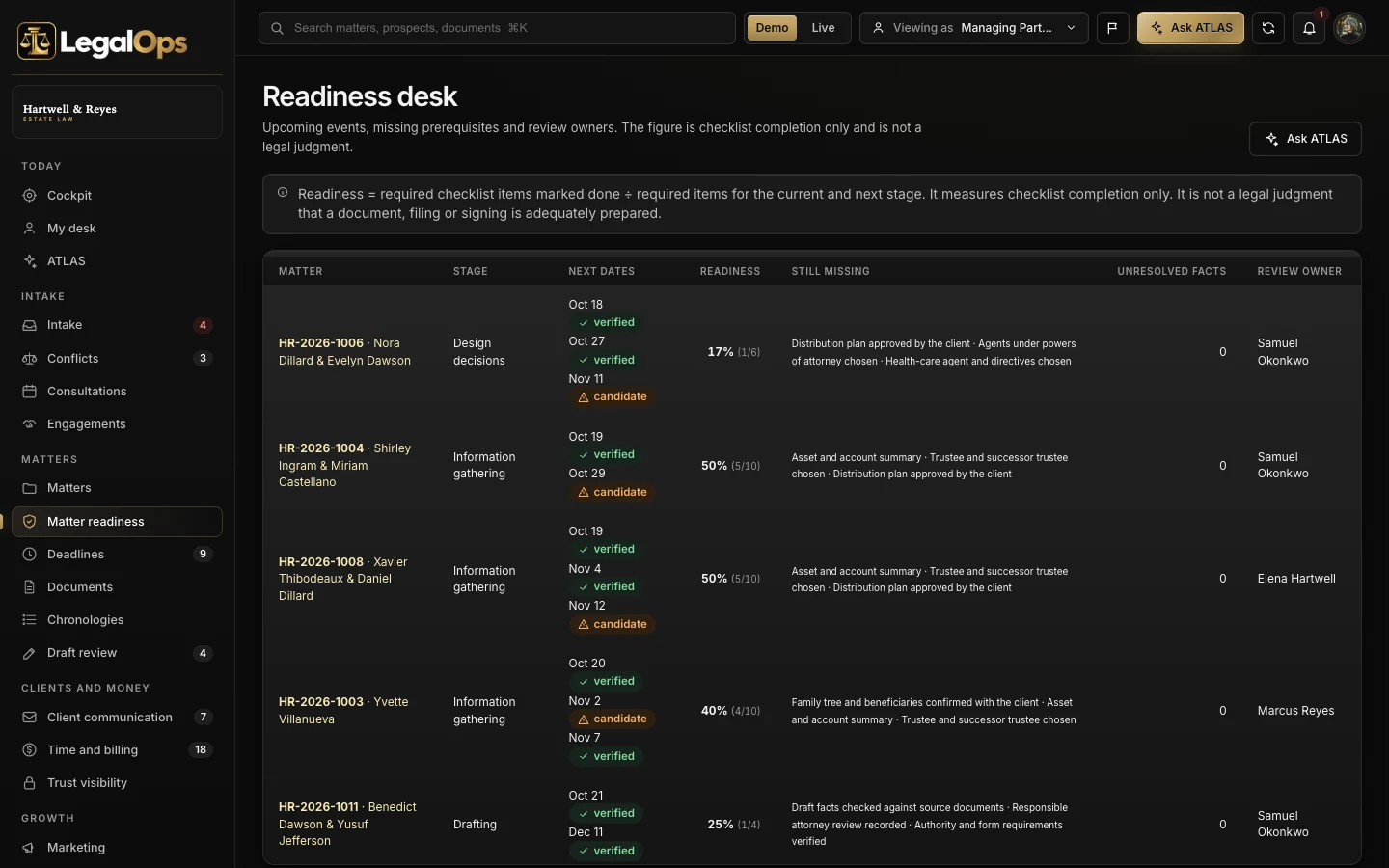
The command center for law firms, starting with estate planning: intake, conflicts, matters and deadlines in one cockpit.
The command center for credit repair companies, with CreditOps Club, your optional member add-on.
The command center for builders and remodelers: scope, change orders, budgets and field updates in one cockpit.
The command center for dental practices: open chairs, approved plans, recall and the front desk in one cockpit.
The command center for real estate brokerages: households, listings, offers and closings in one cockpit.
The command center for gyms and studios: trials, attendance, class capacity and renewals in one cockpit.
The command center for health practices: scheduling, intake, referrals and patient requests in one cockpit.
The command center for hotels: arrival readiness, service recovery, packages and return stays in one cockpit.
The command center for mortgage teams: borrower files, conditions, disclosures and locks in one cockpit.
The command center for property managers: owners, leases, turnovers and maintenance in one cockpit.
The command center for retail stores: customers, stock, margin-aware campaigns and service recovery in one cockpit.
The command center for advisory practices: households, reviews and service promises in one cockpit.
Six command centers built around distinct businesses, with a shared place to review the work, coordinate the team and decide what needs attention.

An operating home for charter teams, bringing trips, guests, crew and vessel context into a shared working picture.
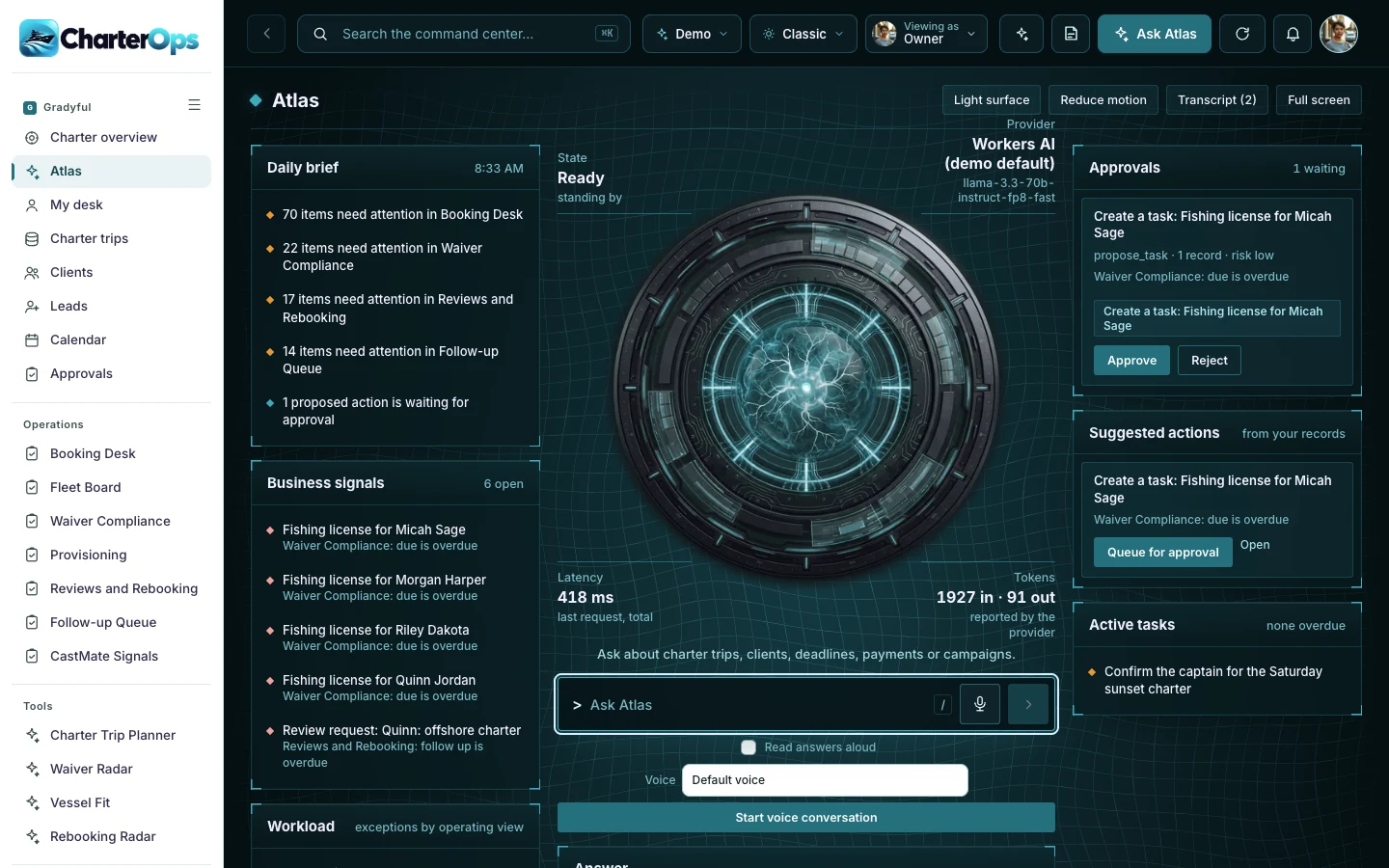

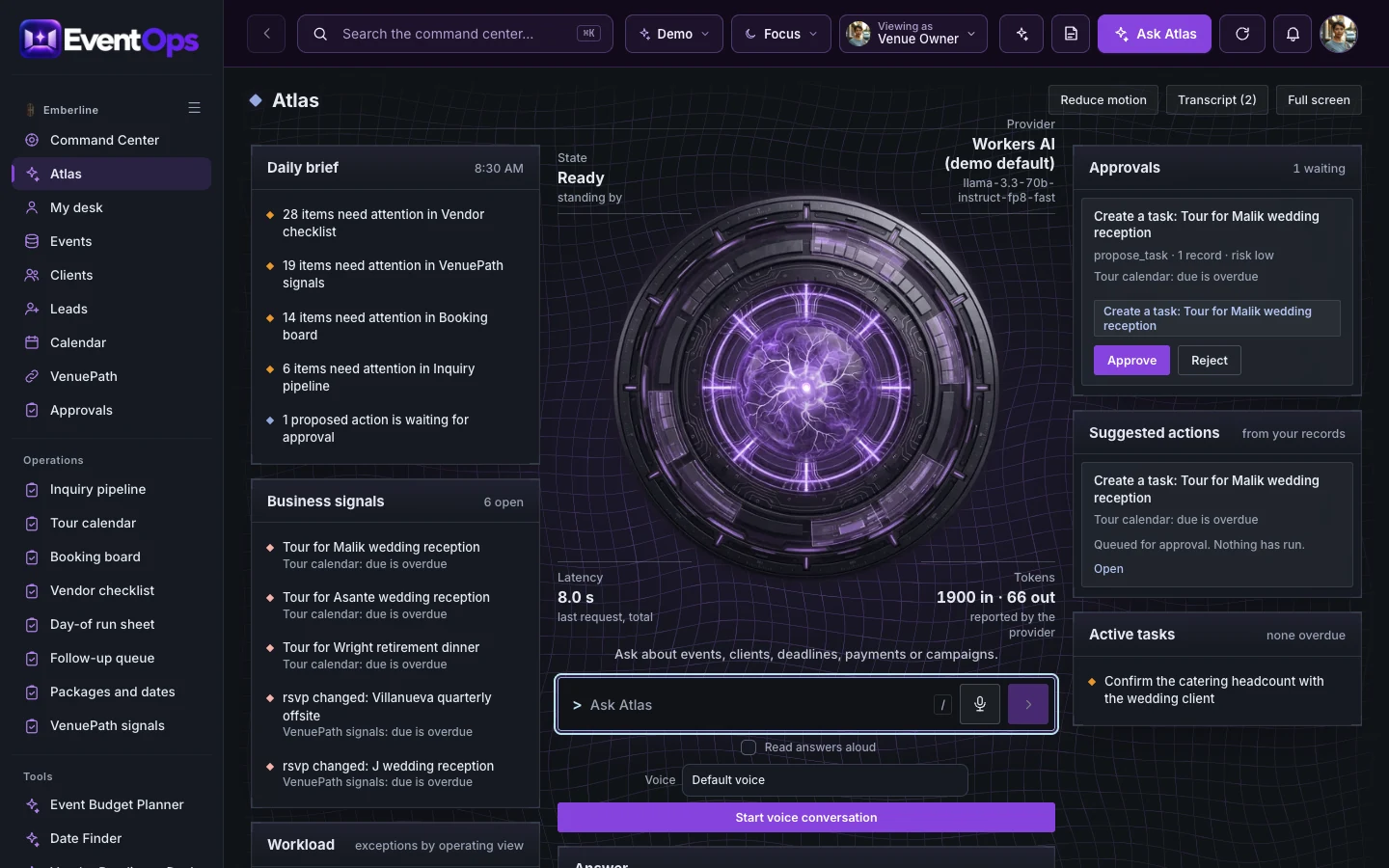
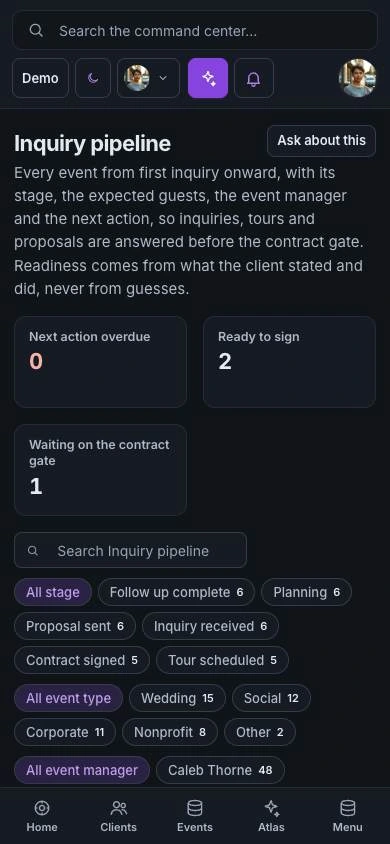
Bring inquiries, timelines, rooms, vendors and guest moments into a command center built around the people making the event happen.

An operating home for schedules, families and care follow-through. Give pet-care teams a shared view behind every reassuring handoff.
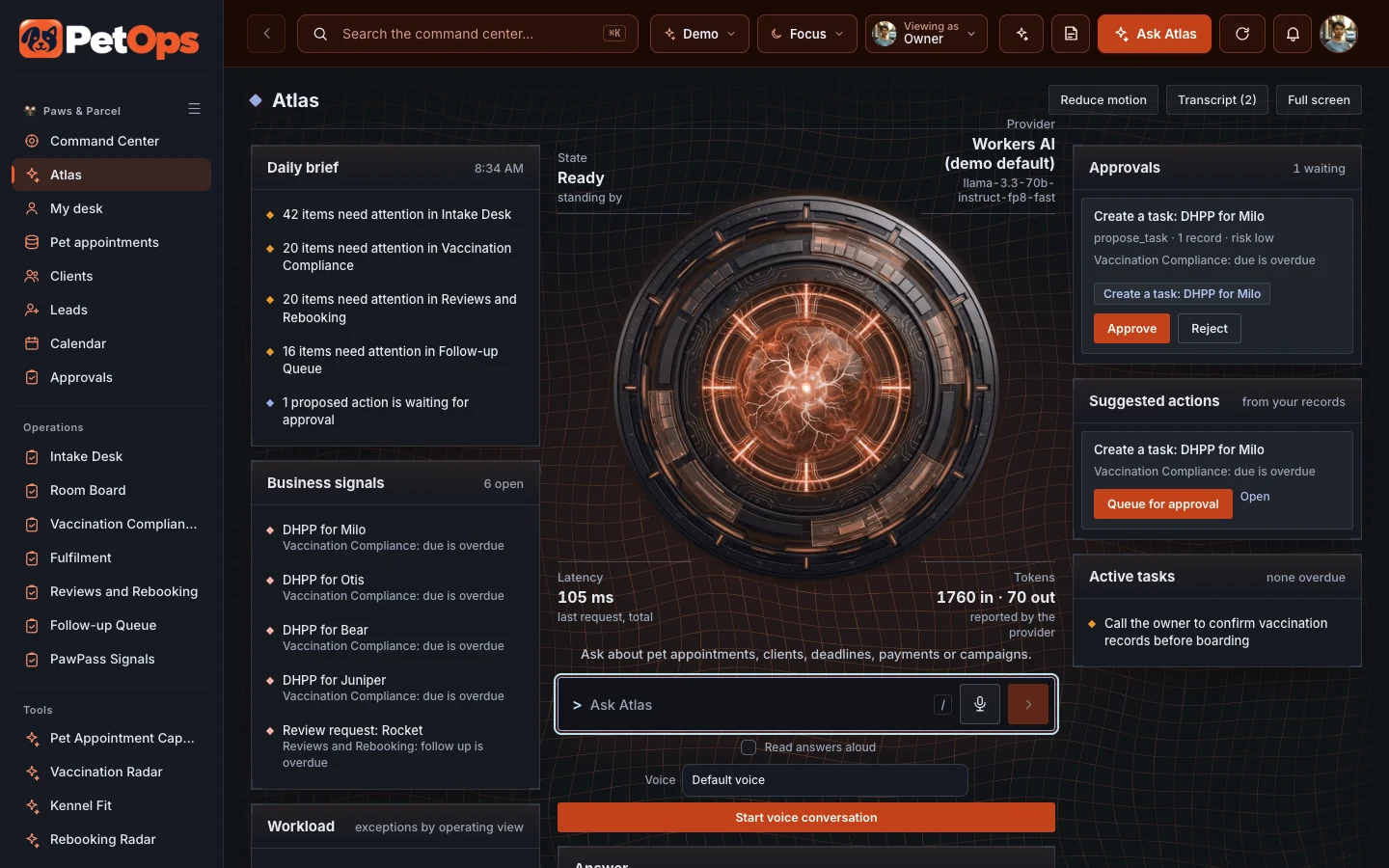
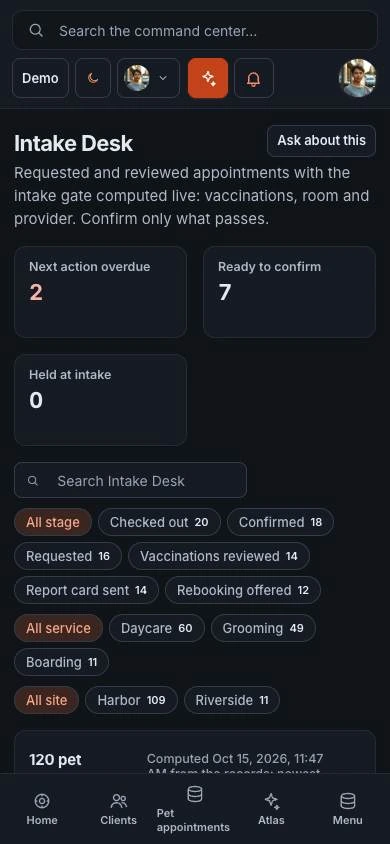

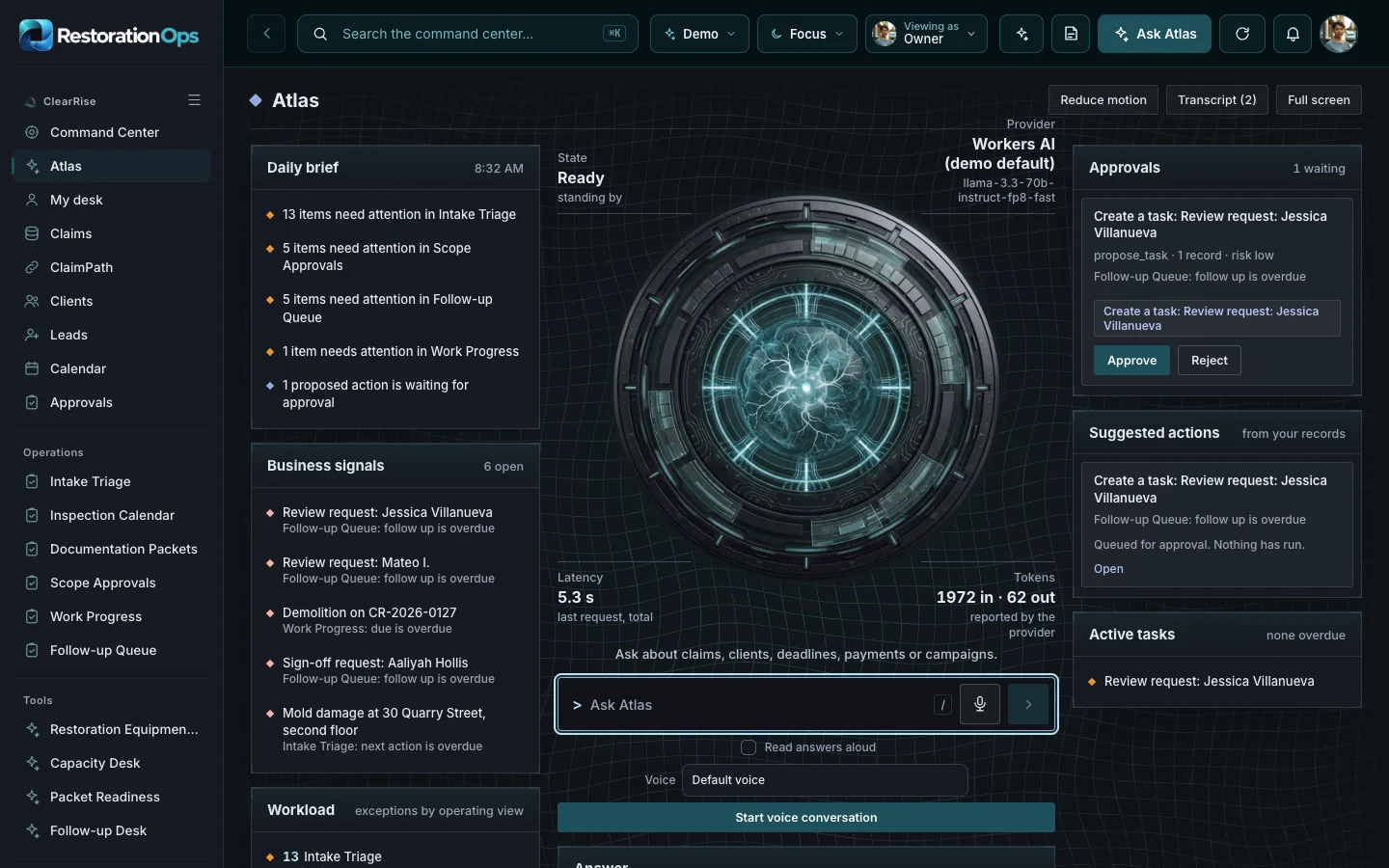
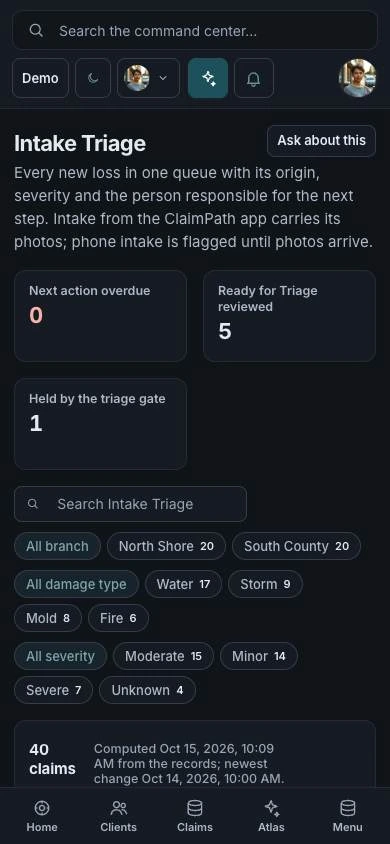
A response center for restoration jobs, teams and client clarity. Keep the work and the communication in the same operating conversation.

An operating home for capital teams, bringing relationship, document and pipeline context into a clearer review process.
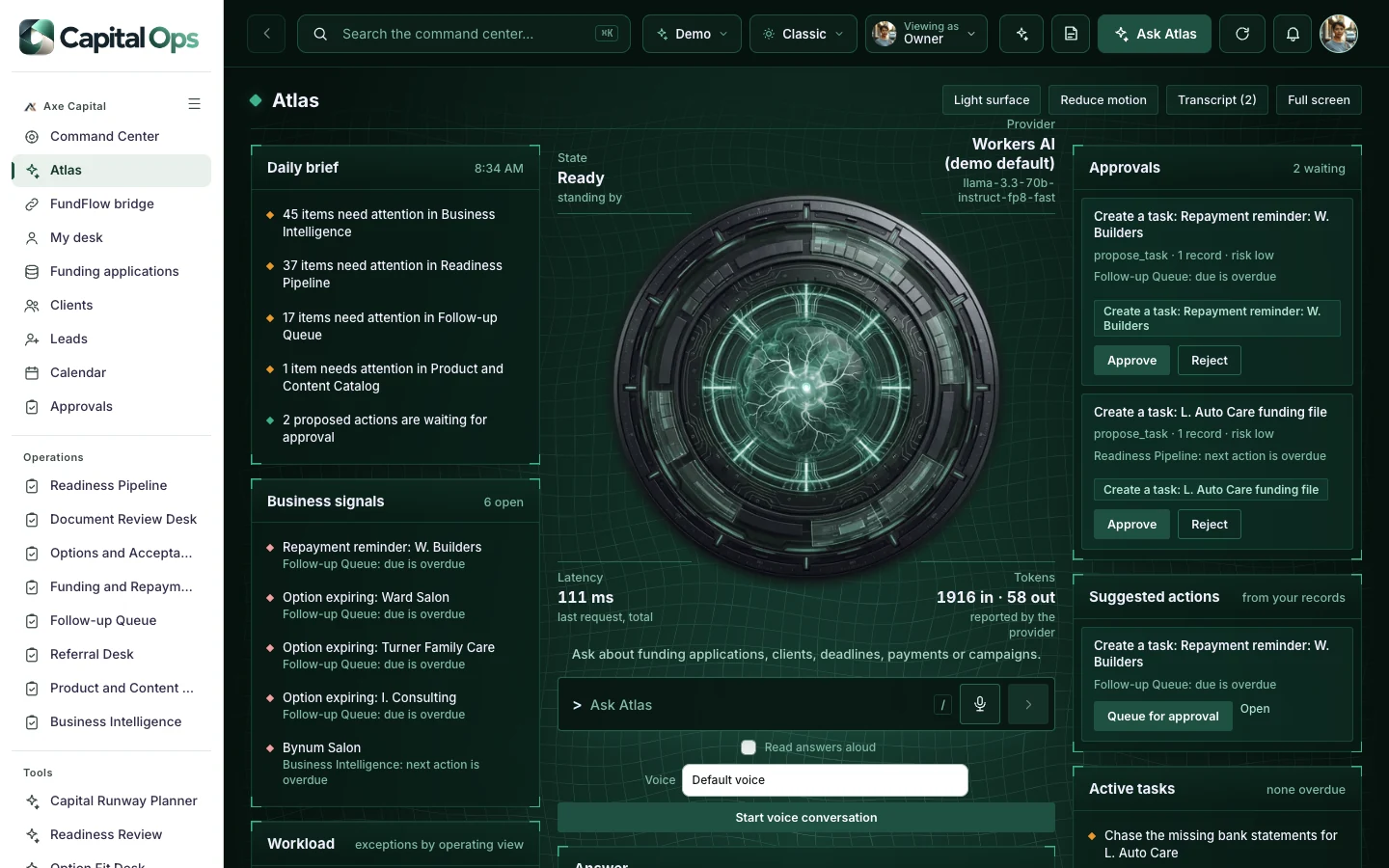
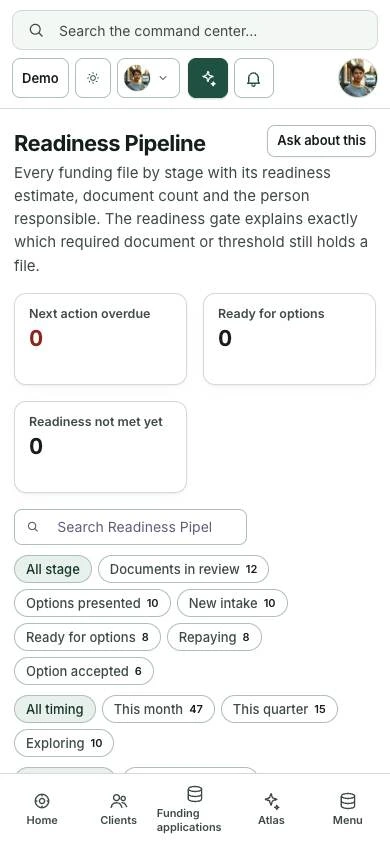

Bring routes, guests, staff and conditions into a shared operating picture for your outdoor-experience business.
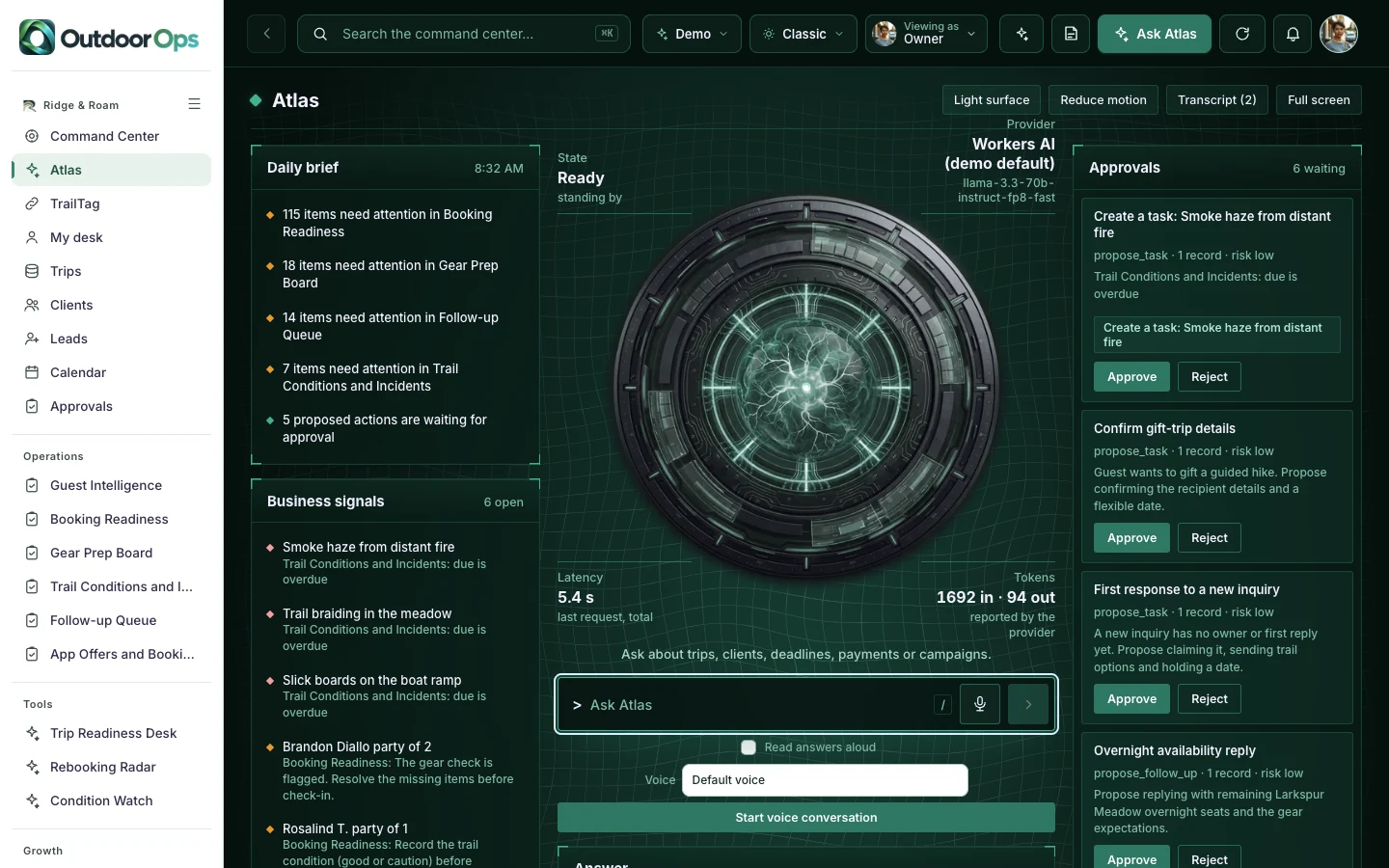
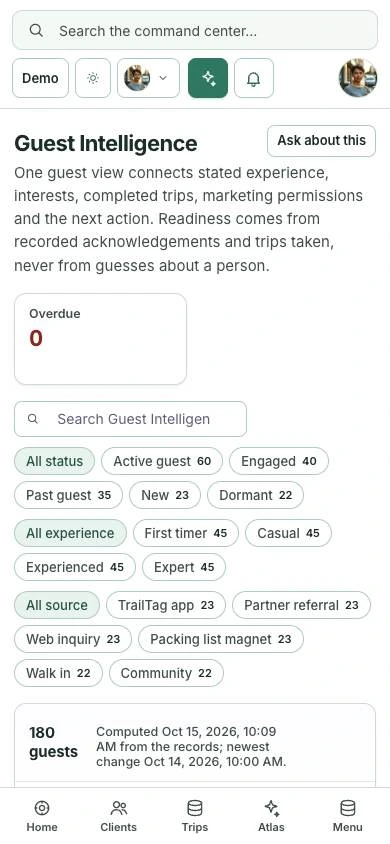
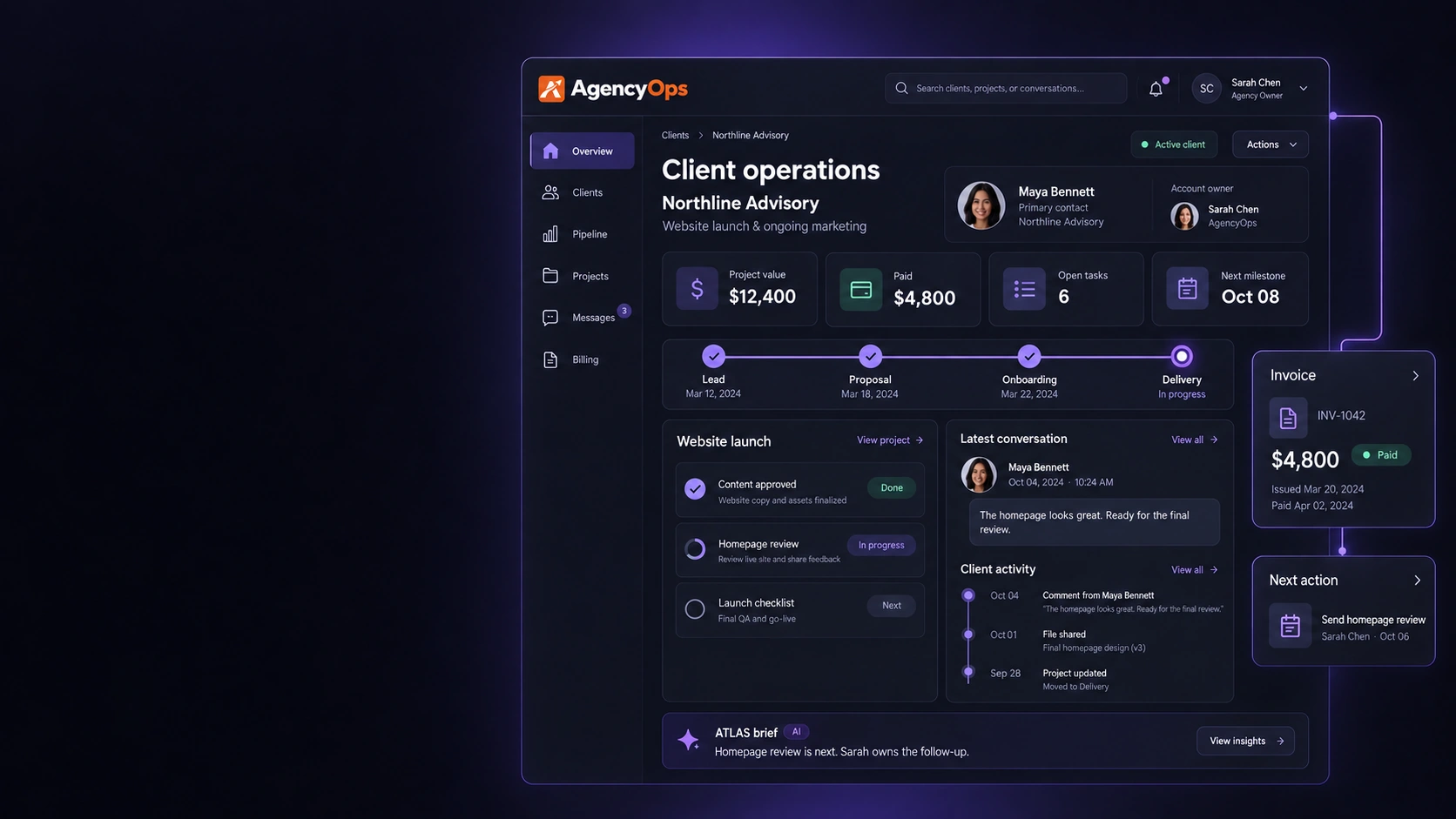
A lead enters the pipeline. The conversation, the work and the invoice attach to the same client. The next action stays visible to whoever owns it. That is the journey we design around your platforms, and only the integrations we build and test are called live.
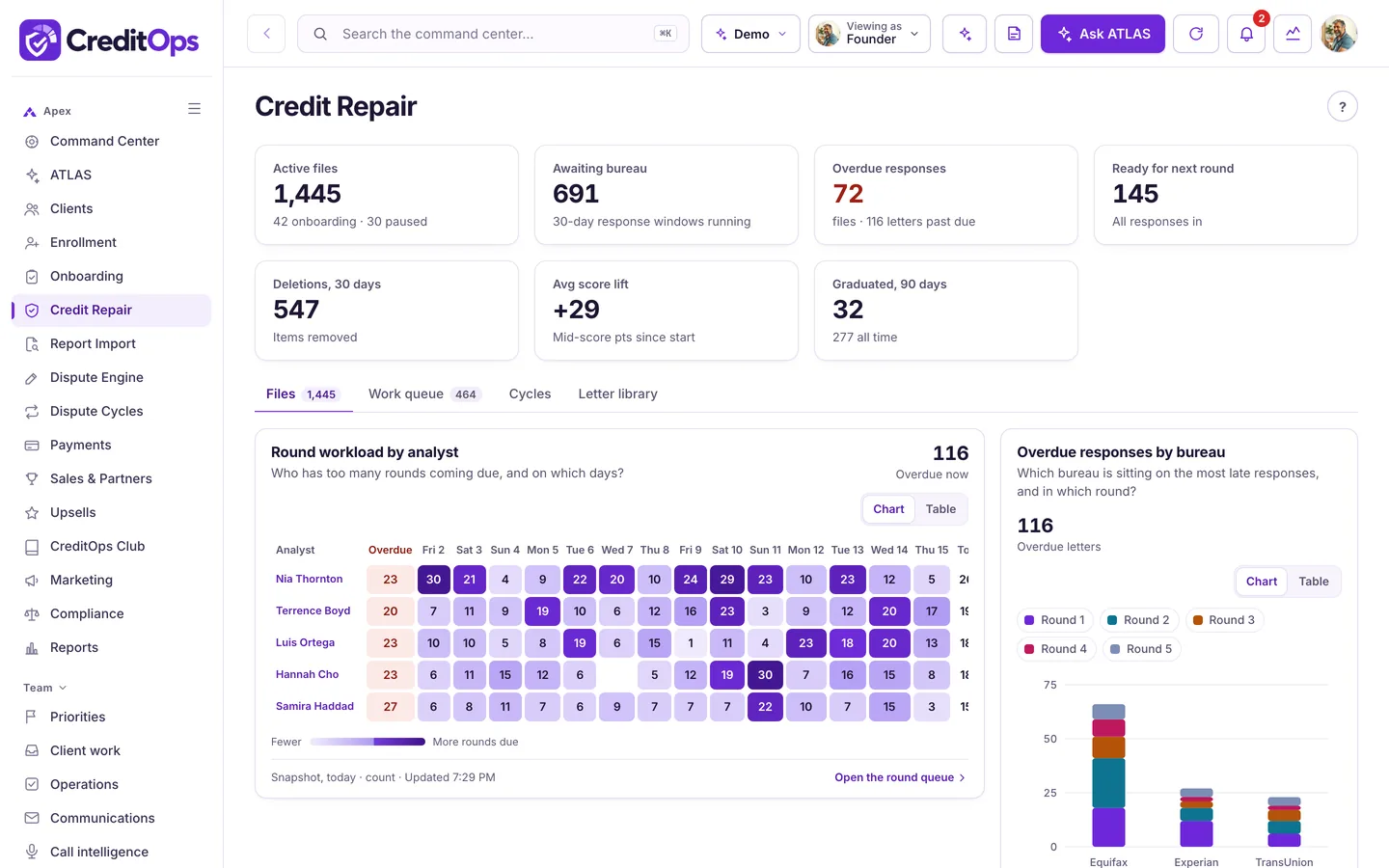
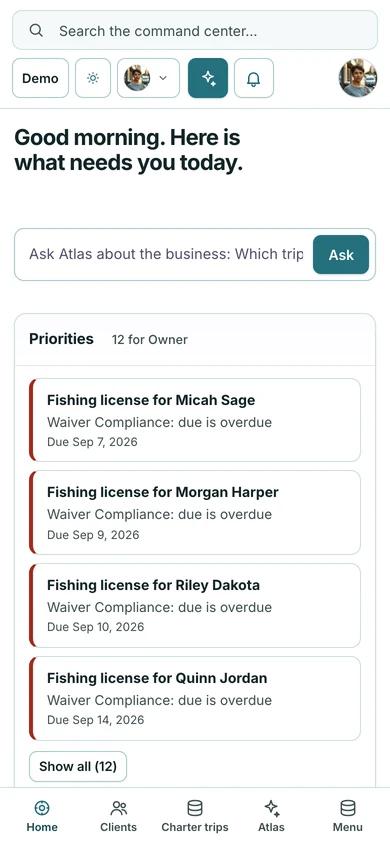
Not a mockup. These are screens from the working industry demos, all running on the same foundation. Each product gives it its own vocabulary, workflows and connections, and your build will too.

Integrations fail quietly in most tools. Here every connection reports its state: healthy, degraded, pending setup or not configured, with diagnostics before anyone trusts the numbers.
The integrations screen shows health, diagnostics and connection details, and only the connections we build and test are called live. The system map shows how modules and linked platforms relate, drawn for your company. Shown here in the DealerOps demo.
Your command center can use Claude to read your business context, summarize conversations, draft replies and suggest next actions. Nothing important happens unattended: agents run inside an approval queue with spend and activity controls you set.
One command center, the right view for each person. Owners see everything, managers see their team, and reps see only their own work, with permissions to match. In each demo, switch seats with the Viewing as control.

We don't start from a blank page. We adapt a working command center to your company, connect the platforms we agree on, and prove every connection before you depend on it.
The schedule is confirmed once we know your platforms, access and scope. Complex connections are scoped separately before any build starts.
On a live demo we show you real screens, learn how your business runs, and agree the first workflows, the platforms to connect, your users and what the proposal includes.
We configure the dashboard to your brand and your operation: your panels, the owners, the priorities, and nothing you don't need.
We connect each agreed platform and prove it before you rely on it: we test the data and the workflows with your team, and show you each connection's health state.
You go live with your team on a monthly plan, and we keep tuning panels and workflows as you use it, within the scope of your plan.
Your business command center puts an AI assistant on top of your clients, sales, payments, conversations and work. Ask it a question in plain English. It answers from your own records, drafts the next step, and waits for a person to approve.
Example conversation. Real answers come from the platforms you agree to connect.
Ask questions in plain English and get answers from your clients, sales, payments and conversations, not from guesswork.
Every message, payment and next action for a person in one view, so your team never starts from zero.
AI drafts replies, suggests next actions and flags what needs attention. A person reviews and approves, inside spend and activity controls.
Powered by Claude, with an optional voice you choose, on your own private copy: your code, your server, your database, your brand.
We configure the dashboard around your company, connect the agreed platforms and test the workflows with your team. Your proposal spells out what is included and any outside platform costs before you commit.
InsuranceOps, DealerOps, FundingOps, AgencyOps, TaxOps, ServiceOps, LegalOps, CreditOps, BuildOps, DentalOps, EstateOps, FitnessOps, HealthOps, HospitalityOps, MortgageOps, PropertyOps, RetailOps and WealthOps start from a ready foundation for their industry, so there is less to build. Ask for a quote on the demo call.
The monthly plan covers a custom command center with an agreed initial scope. It is not unlimited integrations, and not every feature in the demo is included by default. Before you commit, your proposal lists:
A 15-minute Zoom with Corey. We walk through a working command center, talk about the platforms you run on, and agree what a first scope could look like. The demo is free.
Rather learn to build your own AI system hands-on? That's live AI coaching. Want the free blueprint? Get the free guide.
The core plan is $497/month for a custom business command center with an agreed initial scope. Your proposal documents what's included (initial systems, users, automations, AI usage, hosting, support, changes and onboarding) and any outside platform costs before you commit. Complex or custom connections are scoped separately before we build.
One branded screen that sits on top of your business, with an AI assistant that works from your own records. The platforms we agree to connect (your CRM, inbox, payments, calendar, tasks) report into it, so you and your team see clients, work, sales, payments, conversations and next actions together instead of across fifteen tabs. You may also hear it called a business command center or an AI business command center. For a normal day with one, read what an AI command center does all day.
A CRM holds your contacts and deals. A business command center sits on top of your CRM and the rest of your tools, so the work, the payments and the conversations show up next to each contact and you can ask the AI what needs attention. You keep your CRM. We wrote a plain comparison in business command center vs CRM.
Yes. This page used to live at /jarvis. If you searched for the Jarvis AI command center, the Jarvis dashboard or the Jarvis control center, this is the same command center, now at this address.
We will not tell you ours is the best. Compare what matters: does it connect to the tools you already use, does the AI work from your own records, does a person approve anything before it is sent, and is the price written down before you commit? On price, Launch OS is $197 a month and starts the same day, Atlas AI is $297 a month and goes deeper, and a custom AI command center is $497 a month with live setup and support. The cost guide walks through all three.
No. InsuranceOps, DealerOps, FundingOps, AgencyOps, TaxOps, ServiceOps, LegalOps, CreditOps, BuildOps, DentalOps, EstateOps, FitnessOps, HealthOps, HospitalityOps, MortgageOps, PropertyOps, RetailOps and WealthOps show the same foundation shaped for these industries. We build yours from the same foundation, with your vocabulary, roles, workflows and connections.
Yes. Every customer gets their own private copy: their own code, server and database, holding only their own data. No two companies share a workspace.
Yes. Your logo, colors, company name and data. Your team sees your brand, not ours.
Commonly GoHighLevel and other CRMs, Gmail and Outlook, Google Calendar and Drive, Stripe, Slack and meeting recorders, plus industry systems such as a dealer DMS, carrier commission feeds or credit monitoring imports. Every platform exposes different data, so we confirm what yours supports during scoping, and we only call a connection live once it’s built and tested.
Yes. InsuranceOps, DealerOps, FundingOps, AgencyOps, TaxOps, ServiceOps, LegalOps, CreditOps, BuildOps, DentalOps, EstateOps, FitnessOps, HealthOps, HospitalityOps, MortgageOps, PropertyOps, RetailOps and WealthOps are working builds you can open without signing in, and the screenshots are unedited captures from them. The companies, people and figures inside are fictional sample data, not clients or Launch Automation results, and the data resets nightly.
Commonly GoHighLevel and other CRMs, Gmail and Outlook, Google Calendar and Drive, Stripe, Slack and meeting recorders; anything with a usable API or MCP server is a candidate. Every platform exposes different data, so we confirm what yours supports during scoping, and we only call an integration live once it's built and tested.
Yes. The command center sits on top of the tools you already use. We integrate GoHighLevel and most major CRMs; you don't switch systems.
No. AI drafts replies and suggests next actions; a person reviews and approves them. Agents run inside an approval queue with spend and activity controls, and facts heard in conversations wait for someone to confirm them.
It can. A voice layer powered by Claude, with a voice you choose through ElevenLabs, is an option we scope with you. It surfaces and acts on what's already in your connected systems.
Claude is the AI model from Anthropic that can power the command center's AI features: reading your context, summarizing, drafting and answering questions. AI usage and any outside AI costs are spelled out in your proposal.
This is a command center we build around your business on a monthly plan. AI coaching is separate: live one-on-one sessions where I build AI systems with you on your own computer and teach you as we go.
It depends on your platforms, access and scope. We confirm the delivery schedule once we know them; complex integrations take longer and are scoped before we start.
We connect only the platforms you agree to, with access you grant. Team access, approvals and backups are scoped with you, and the proposal documents how your data is handled.
No. We configure and test everything. If you can use a browser, you can run the command center, and we onboard your team.
Yes. The 15-minute demo is free, with no payment taken on the calendar. You'll see a working command center and leave with an honest read on fit and scope.
Open a demo in your industry, or book 15 minutes and we’ll talk through your business.