The latest run of show is difficult to identify.
A run sheet copied into several conversations makes it hard to know which version the team should follow.
 Get Instant Quote
Bring inquiries, timelines, rooms, vendors and guest moments into a command center built around the people making the event happen.
See what Event Ops can do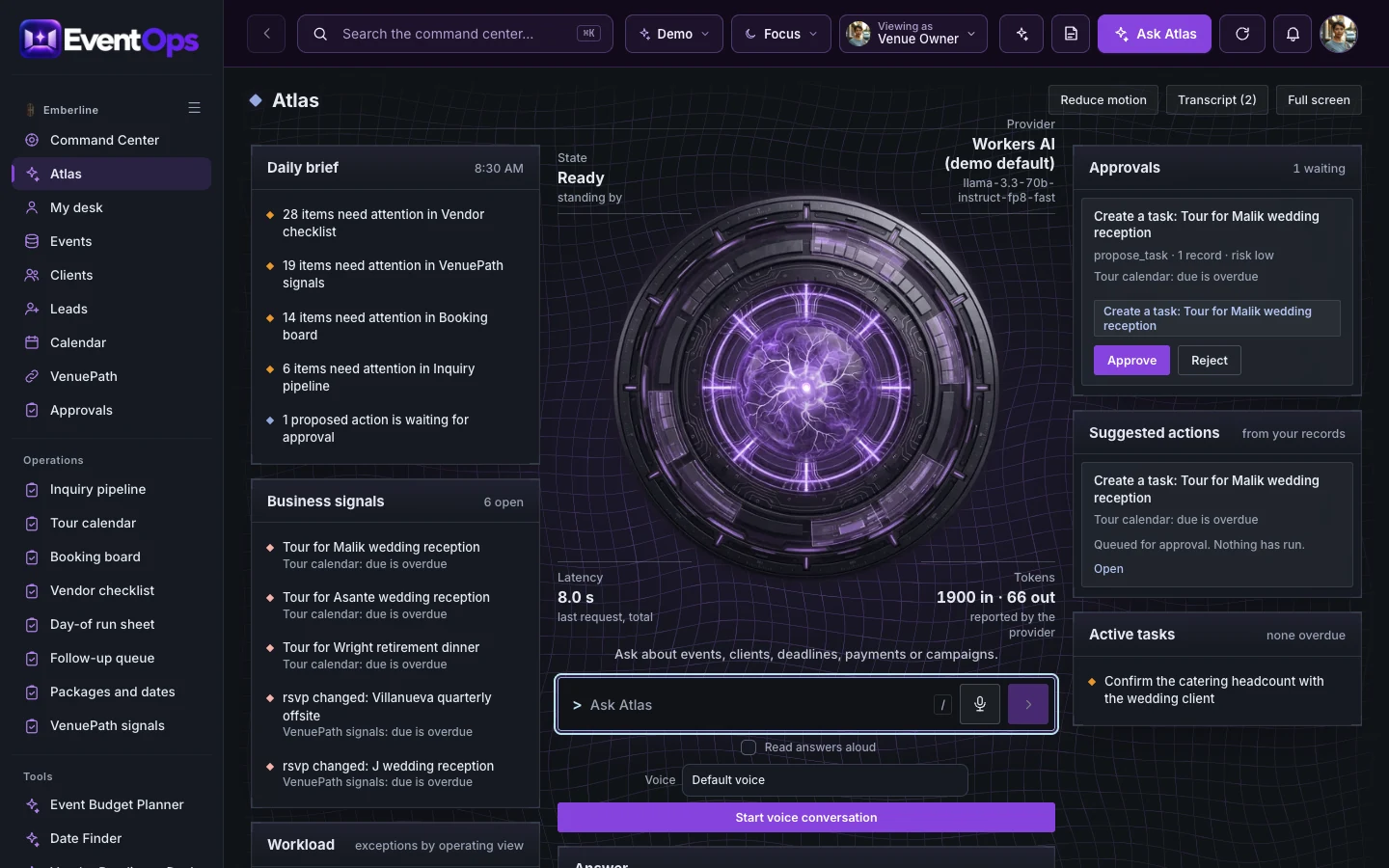
Built for venue operators, planners and event teams.
A run sheet copied into several conversations makes it hard to know which version the team should follow.
An inquiry without a clear stage and owner waits too long for a tour or a proposal.
An unfinished vendor requirement is easy to discover too late when readiness has no shared working view.
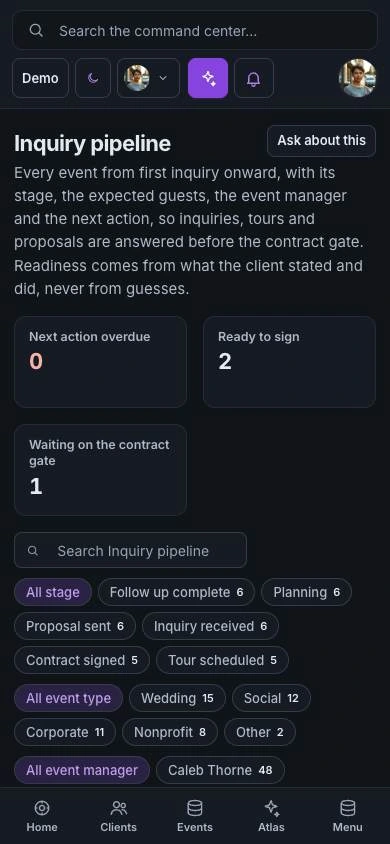
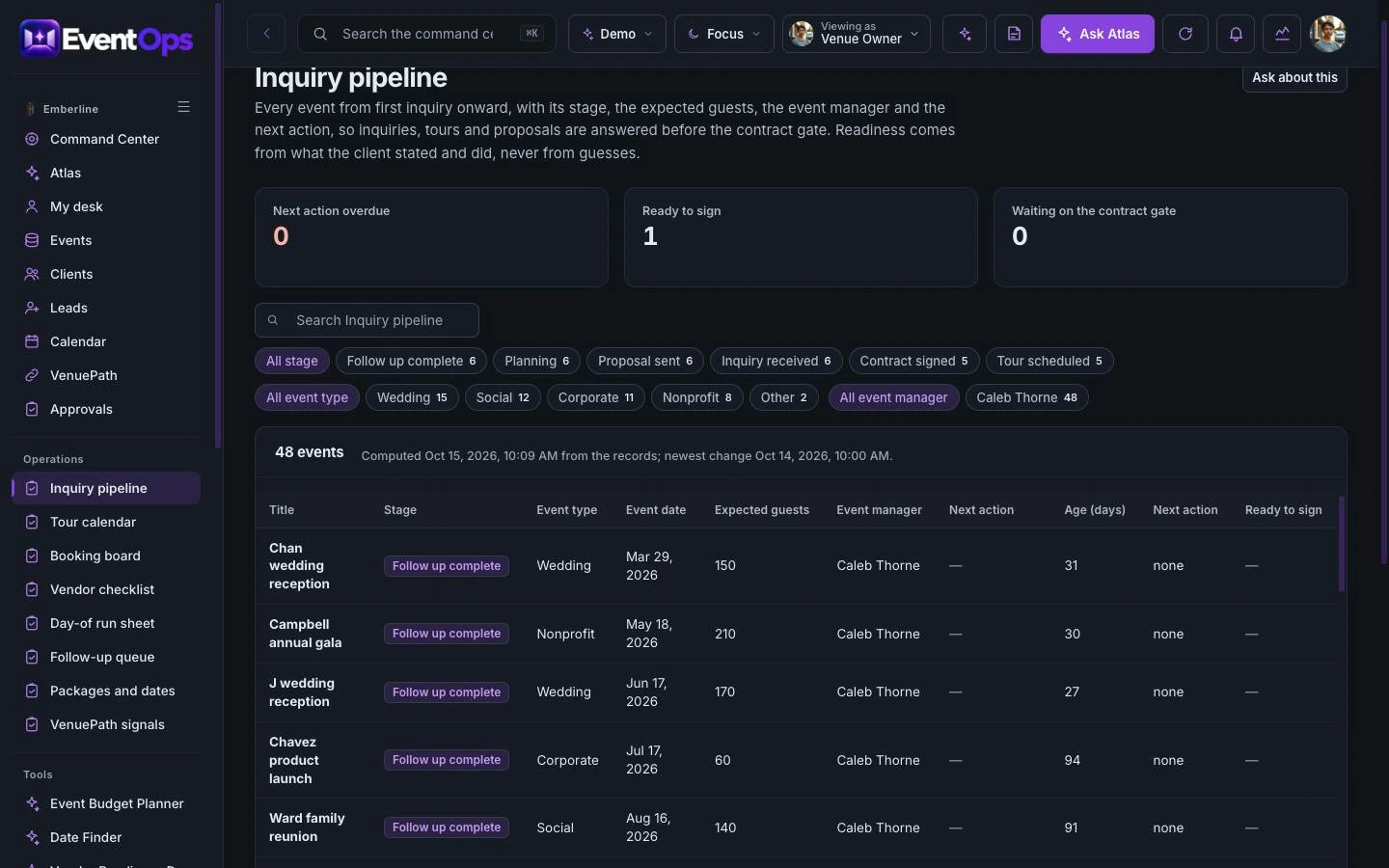
The Inquiry pipeline follows every event from first inquiry onward, with its stage, expected guests, event manager and next action. Readiness comes from what the client stated and did.
The Day-of run sheet is the minute-by-minute plan: what happens when, who owns it and what is done, from vendor load-in to last call.
Open Day-of run sheet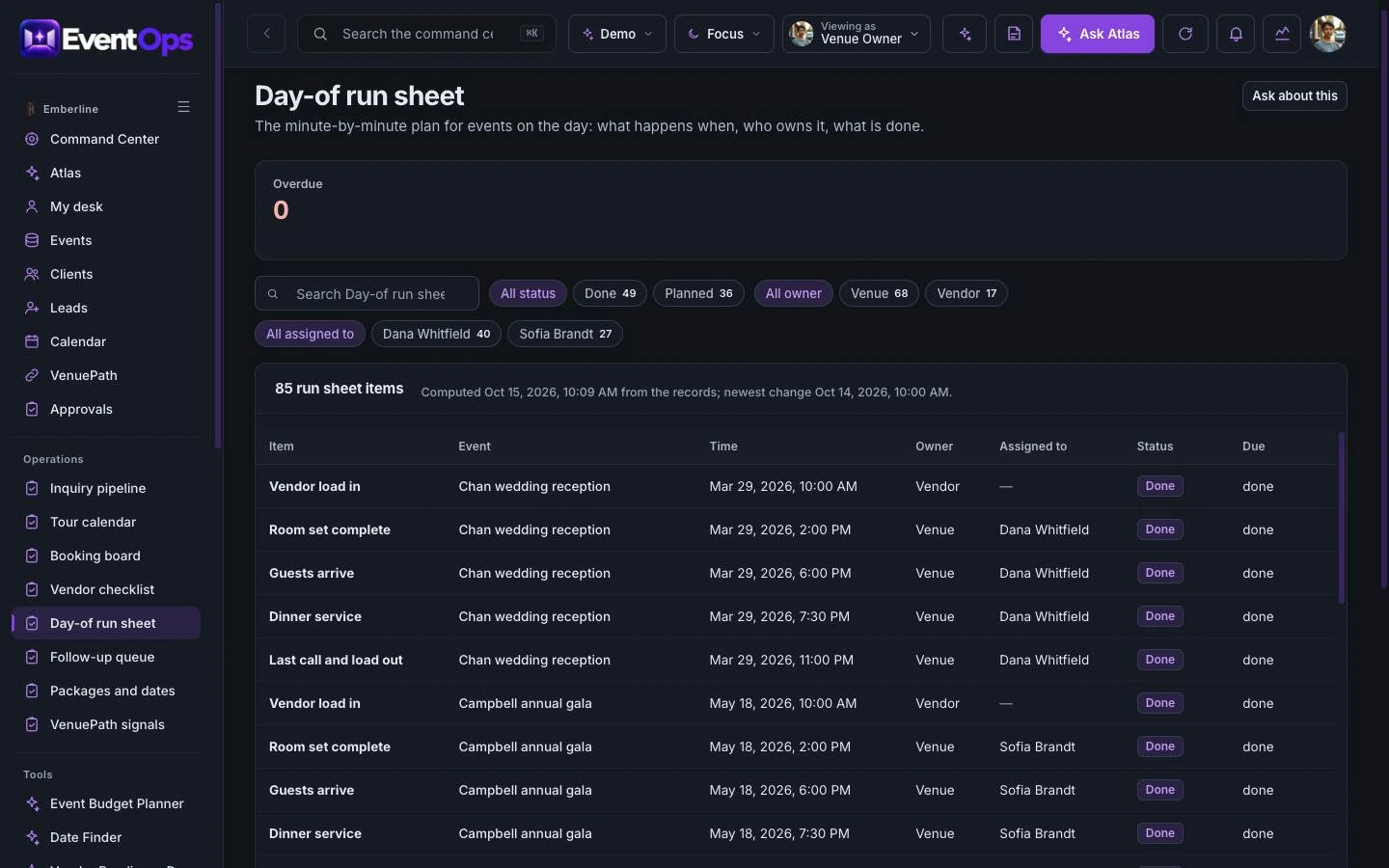
ATLAS lists what needs attention across the vendor checklist, the booking board and the inquiry pipeline, and drafts tasks such as a tour reminder for a person to approve.
Explore ATLASThe command center is the operating home for the team. ATLAS reads the same records and suggests the next step for a person to approve.
Priorities, owner metrics and every operating module in one place.
Open the command centerAsk about the records, read the daily brief and approve suggested actions.
Open ATLASStart with Event Ops on its own. Add its companions when your business needs the customer experience, the operating view and the ongoing community together.

Experience app. A guest-facing guide that makes the day feel considered from arrival to farewell.
Explore VenuePathCommand center. One operating picture for timelines, vendors, rooms and guest moments.
Try the Event Ops demo
Membership platform. A community of hosts, planners and regulars who keep the venue close.
Explore Gather TableVenuePath supports the customer’s immediate journey. Event Ops gives the team an operating workspace. Gather Table extends the relationship with learning, useful tools and community.
Choose one product or ask us to scope a bundle. Shared data, live integrations, permissions and automation are agreed and tested for your implementation.
You are choosing a starting platform, then shaping it around your business. We define the actual pages, roles and connections with you before the build.
Get pricing for Event OpsPick the product, the people who will use it and the workflows that matter. Decide whether you need one platform or the paired family.
Adapt the logo, palette, copy, resources and agreed screens. Set the access and approval boundaries for your team.
Walk through desktop and mobile views, roles and the scoped connections. Confirm the content and launch plan before publishing.
Yes. Start with one product and add its paired command center, experience app or membership later. A bundle is optional.
The price depends on the pages, roles, content, integrations and support you choose. Use the pricing page to compare services, or request a quote for an itemized scope.
Yes. The implementation is branded for your business. We adapt the visual identity and agreed content rather than asking your customers to use the example company’s brand.
Yes. Open the command center for the operating view, then ATLAS to see how it answers questions about the same records.
No. Production data, provider accounts, permissions, live messaging and payments are set up and verified as part of your scope.
Your quote identifies the screens, branding, content, roles, connections and support included. You review the finished experience before launch.
Explore the working experience, then tell us what you want to make your own.