Job context is scattered across calls and field messages.
The first property conversation and the field record often reach different people at different times.
 Get Instant Quote
A response center for restoration jobs, teams and client clarity. Keep the work and the communication in the same operating conversation.
See what Restoration Ops can do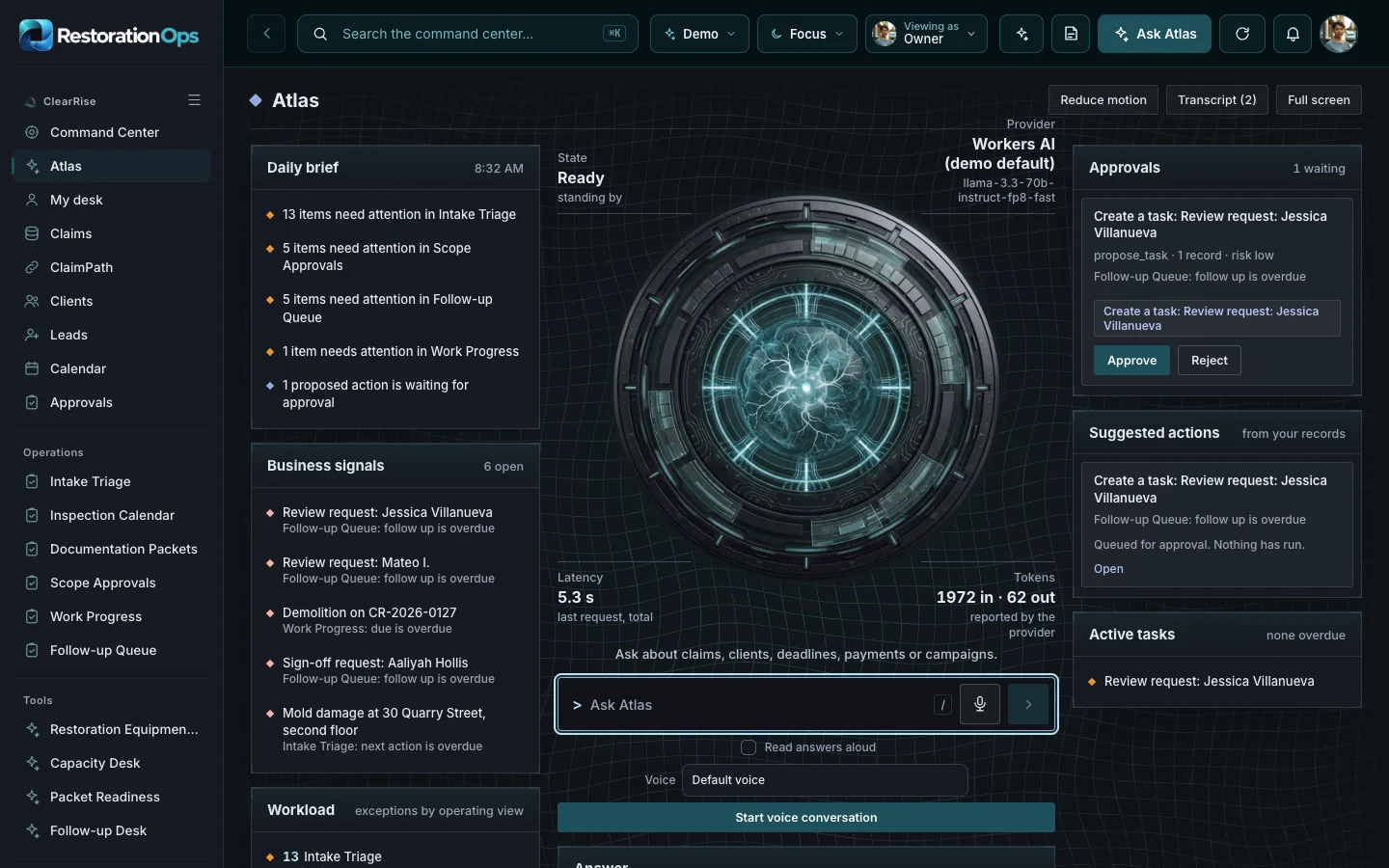
Built for restoration owners, coordinators and field teams.
The first property conversation and the field record often reach different people at different times.
Inspections are booked against windows nobody can see, so the crew finds the conflict on the day.
A client asking what happens next needs an answer grounded in the work the team can actually confirm.
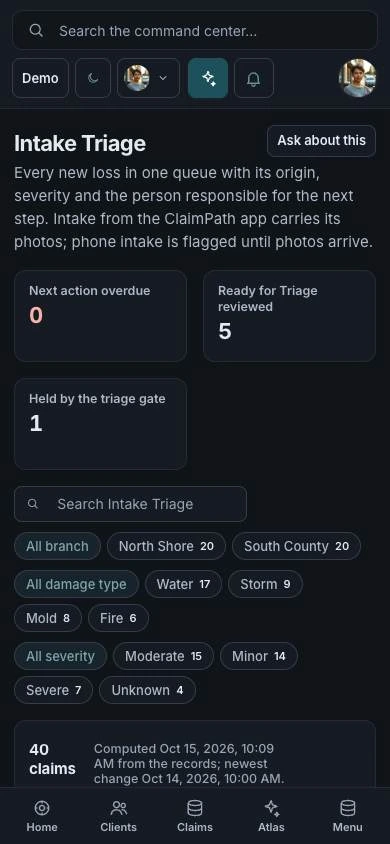
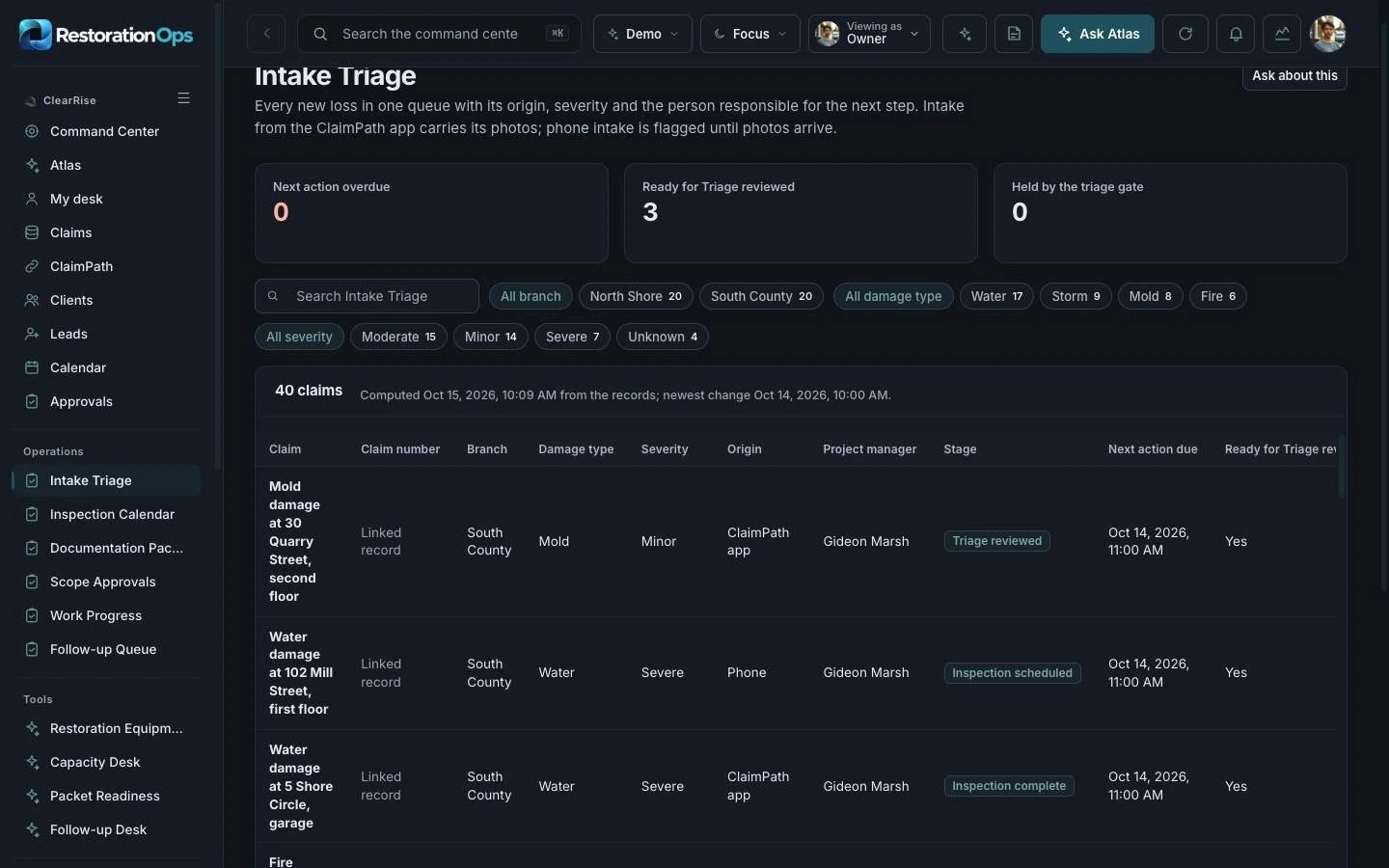
Intake Triage lists each new loss with its origin, severity and the person responsible for the next step. Intake from the ClaimPath app arrives with its photos.
The Inspection Calendar holds scheduled and completed inspections against the published capacity windows, with moisture readings, so conflicts show up before the crew does.
Open Inspection Calendar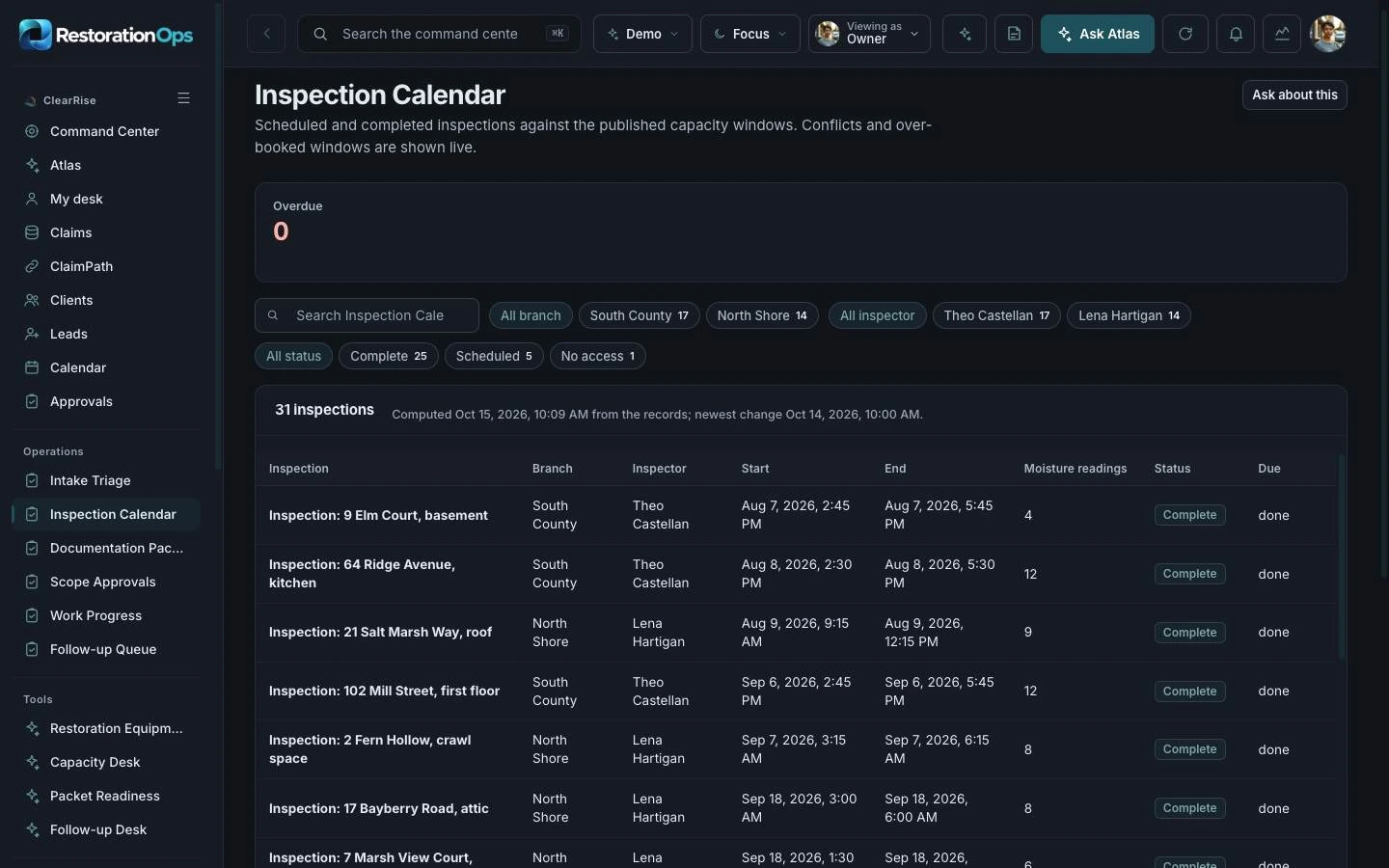
ATLAS lists what needs attention in intake, scope approvals and follow-up, and drafts tasks such as a review request for a person to approve.
Explore ATLASThe command center is the operating home for the team. ATLAS reads the same records and suggests the next step for a person to approve.
Priorities, owner metrics and every operating module in one place.
Open the command centerAsk about the records, read the daily brief and approve suggested actions.
Open ATLASStart with Restoration Ops on its own. Add its companions when your business needs the customer experience, the operating view and the ongoing community together.

Experience app. A client-facing recovery path that replaces uncertainty with next steps.
Explore ClaimPathCommand center. A response center for jobs, teams, vendors and client confidence.
Try the Restoration Ops demo
Membership platform. A preparedness community that keeps expertise useful before a loss.
Explore Restore ReadyClaimPath supports the customer’s immediate journey. Restoration Ops gives the team an operating workspace. Restore Ready extends the relationship with learning, useful tools and community.
Choose one product or ask us to scope a bundle. Shared data, live integrations, permissions and automation are agreed and tested for your implementation.
You are choosing a starting platform, then shaping it around your business. We define the actual pages, roles and connections with you before the build.
Get pricing for Restoration OpsPick the product, the people who will use it and the workflows that matter. Decide whether you need one platform or the paired family.
Adapt the logo, palette, copy, resources and agreed screens. Set the access and approval boundaries for your team.
Walk through desktop and mobile views, roles and the scoped connections. Confirm the content and launch plan before publishing.
Yes. Start with one product and add its paired command center, experience app or membership later. A bundle is optional.
The price depends on the pages, roles, content, integrations and support you choose. Use the pricing page to compare services, or request a quote for an itemized scope.
Yes. The implementation is branded for your business. We adapt the visual identity and agreed content rather than asking your customers to use the example company’s brand.
Yes. Open the command center for the operating view, then ATLAS to see how it answers questions about the same records.
No. It organizes the claim, the inspections and the documentation. Insurance coverage and settlement decisions remain with the applicable parties.
No. Production data, provider accounts, permissions, live messaging and payments are set up and verified as part of your scope.
Your quote identifies the screens, branding, content, roles, connections and support included. You review the finished experience before launch.
Explore the working experience, then tell us what you want to make your own.