Quotes and requests go cold
Someone asked, nobody circled back, and the customer went elsewhere. Launch OS flags work that has not moved.
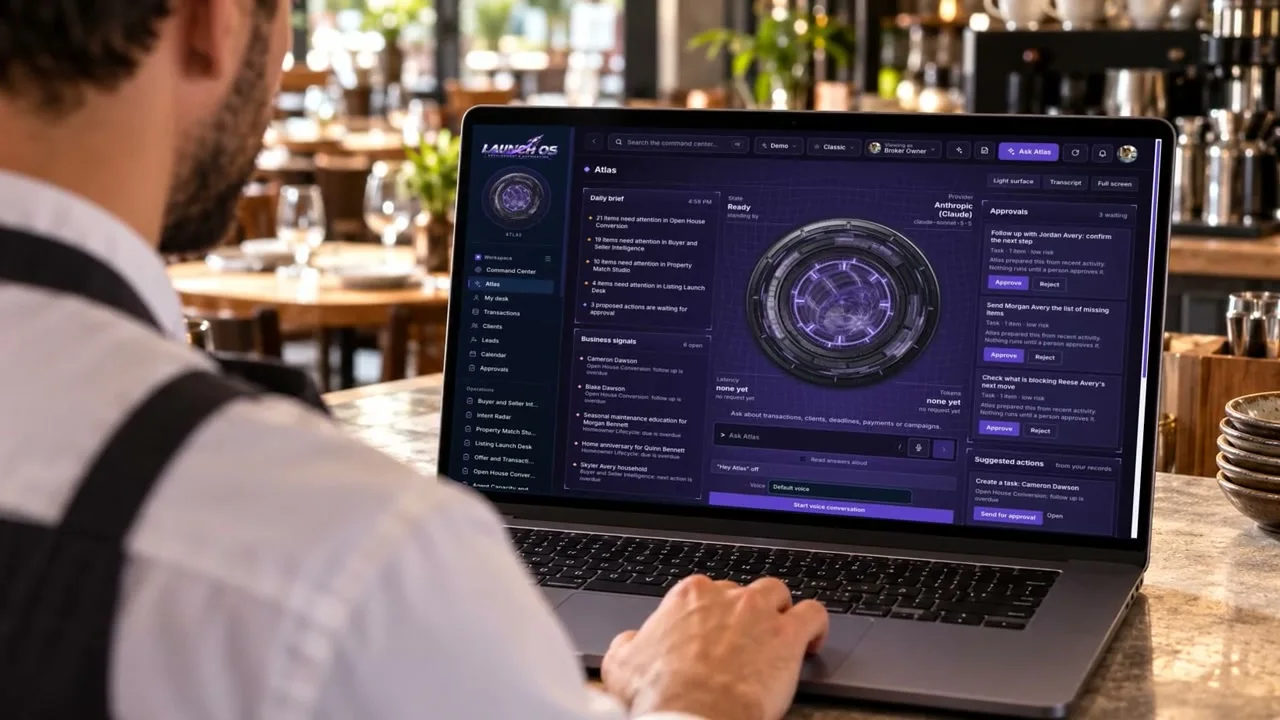
A command center for your business, ready for your industry in minutes. Keep every customer, job and follow-up in one place, see what needs you today, and ask Atlas, your AI assistant, anything about your business.
One monthly price for your whole team.
Restaurants and Cafes01 / 08
Watch how one workspace puts AI to work for your business.
Four workspace themes, with the same customers, tasks, and tools in each.
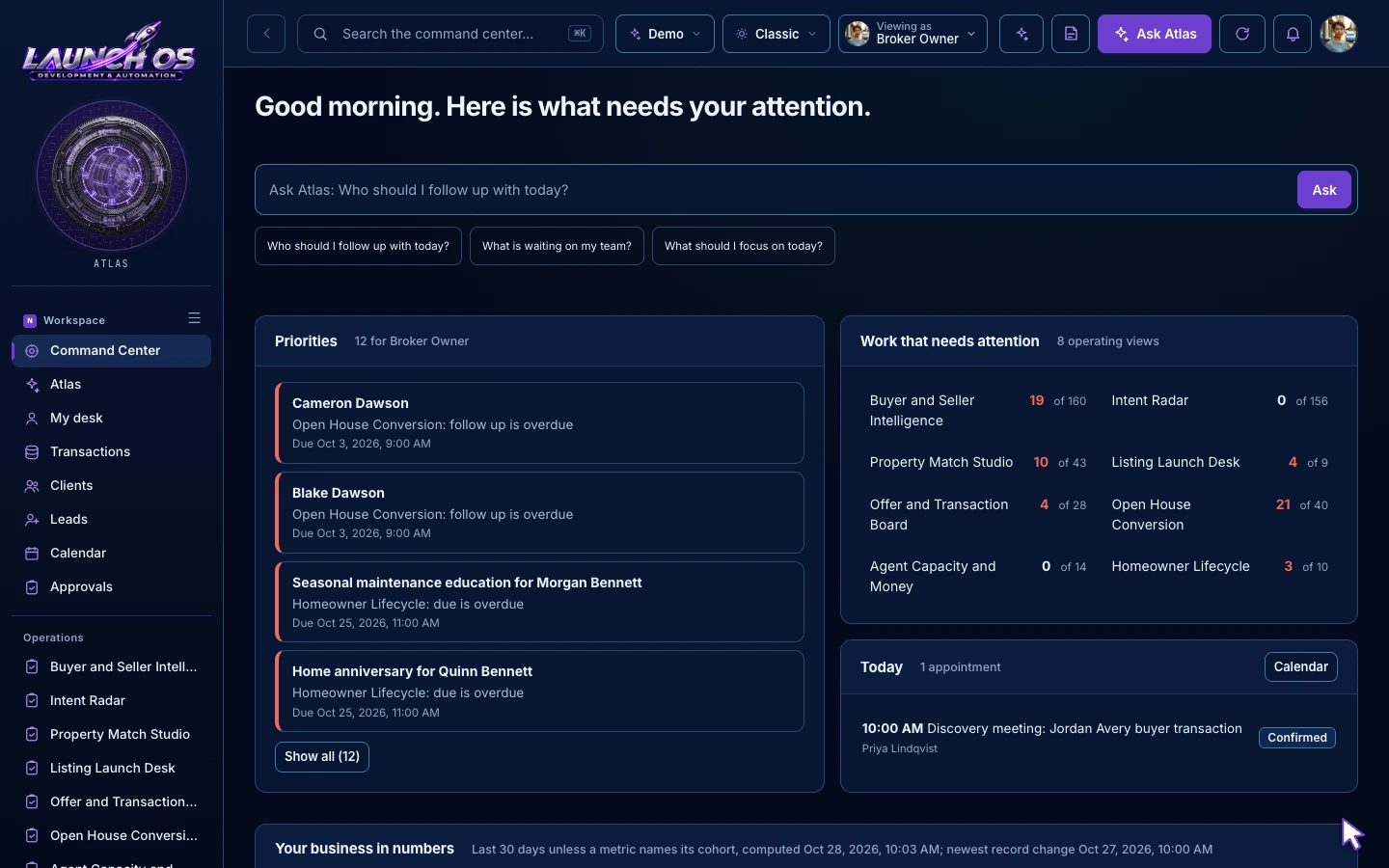
See today’s priorities, then open the customer or task behind each one. Spend less time searching and more time moving work forward.
The work is there. It is just spread across inboxes, sticky notes, spreadsheets and somebody's memory. Launch OS puts it in one place and tells you what needs you next.
Someone asked, nobody circled back, and the customer went elsewhere. Launch OS flags work that has not moved.
Renewals, deadlines and promised callbacks pass quietly. Launch OS shows what is overdue and what is due this week.
Every piece of work gets a person and a next step, so the team stops asking each other for updates.
Ten tabs and no answer to a simple question. Launch OS gives you one screen and an assistant you can ask.
Choose from 32 industry workspaces, each with a tailored starting point, practical checklist, and example follow-up.

Remember a buyer or seller's next question and when to reconnect.
Example work: Maple Street buyer follow-upIn Progress
Next step: Confirm the showing options
Industry workspaces tailor the language and suggested tasks. Specialist systems such as booking, policy management, or industry-specific payments are not included.
Each workspace comes ready for your industry, with the work types, stages and details your business already uses.
Quotes and policies for an insurance agency. Estimates and jobs for a contractor. Every industry gets its own kinds of work, each with its own stages.
Move work one step at a time. When something is lost, Launch OS asks why, so you learn what is costing you business.
Overdue, due soon, waiting too long on a customer, or simply not moving. The work that needs you rises to the top.
Open work, past due, due this week, won this month and the value still open. No spreadsheet required.
Contact details, notes and the work tied to each customer, so the next conversation starts with context.
Give every follow-up an owner, a due date and a priority. See today's list the moment you sign in.
Invite as many people as you need and choose what each role can do. There are no per-user fees.
Save how your business works: scripts, policies, price lists and answers to common questions. Atlas reads them when you ask.
Your workspace is separate from every other business. Keys you connect are encrypted, and every change is recorded.
Atlas is the assistant inside Launch OS. It reads your customers, tasks, work and notes, then answers in plain language and shows you which records it used.
You connect your own AI account. Launch OS adds no daily or monthly question cap. Your AI provider bills its own usage.
Which quotes need me today?
Three need attention. The Whitfield home and auto bundle has not moved in six days. The Park renewal is due Friday. The Ortiz quote is waiting on the customer.
Atlas reviewed 14 records
Suggested: add a task to call Dana Whitfield tomorrow.
You stay in control. Launch OS reads only what you connect, and it never sends messages or moves money on its own.
Claude, ChatGPT, Gemini or Grok. Paste your key once and Atlas is ready.
Connect your GoHighLevel account and see its contacts and opportunities inside your workspace.
Paste in your notes and playbooks. Atlas uses the ones that match your question.
One private link lets forms, schedulers, automation tools and phone shortcuts add customers, tasks and notes for you.
You could hire someone to build a system like this, or piece one together yourself. Here is how the three paths compare.
All the room your business needs to keep customers, tasks, and next steps together.
Atlas runs on your own AI account. That provider bills its API usage separately.
Start your account online and make Launch OS fit the way you work.
Begin with work details and suggested tasks for your kind of business.
Subscribe for $197/month for your business and your whole team.
Add your business details, invite your team, and choose one of four themes.
Add a customer, create a follow-up, or ask Atlas what needs attention.

Know what comes with Launch OS before you begin.
Launch OS helps you keep customers, follow-ups, and daily work in one place. Ask Atlas what needs attention, then open the details and choose what to do next.
Your choice changes the language, work details, and suggested tasks to fit your kind of business. Industry workspaces are starting points, not specialist tools such as booking, policy management, or industry-specific payments.
No. Classic, Focus, Wild, and Spectrum change the look of your workspace. The same work and tools appear in each.
The $197/month Launch OS plan covers your business and unlimited team members. If you connect your own AI provider, its API usage is billed separately by that provider.
Atlas can explain your records and help draft a reply. You review its suggestions and choose what happens. It cannot send messages, charge customers, or publish from a new workspace.
Your own AI account (Claude, ChatGPT, Gemini or Grok), your GoHighLevel account for contacts and opportunities, and your own notes. A private link also lets forms, schedulers, automation tools and phone shortcuts add customers, tasks and notes to your workspace.
Most people are working in a few minutes. Choose your industry, subscribe, answer four short setup steps, then add your first customer or piece of work.
Yes. Each business has its own separate workspace. Keys and tokens you connect are encrypted, only the owner can change connections, and changes are recorded.
Yes. Manage or cancel your subscription yourself from the billing area of your workspace at any time.
No. Choose your industry and set up your account online with the guided setup.
Bring your customers, team, and daily work into one place.
Get started for $197/monthProduct walkthrough screens and industry work examples are previews of Launch OS.