Guests arrive as names on a roster.
The guide meets a party without knowing who is a first-timer and who has done the route before.
 Get Instant Quote
Bring routes, guests, staff and conditions into a shared operating picture for your outdoor-experience business.
See what Outdoor Ops can do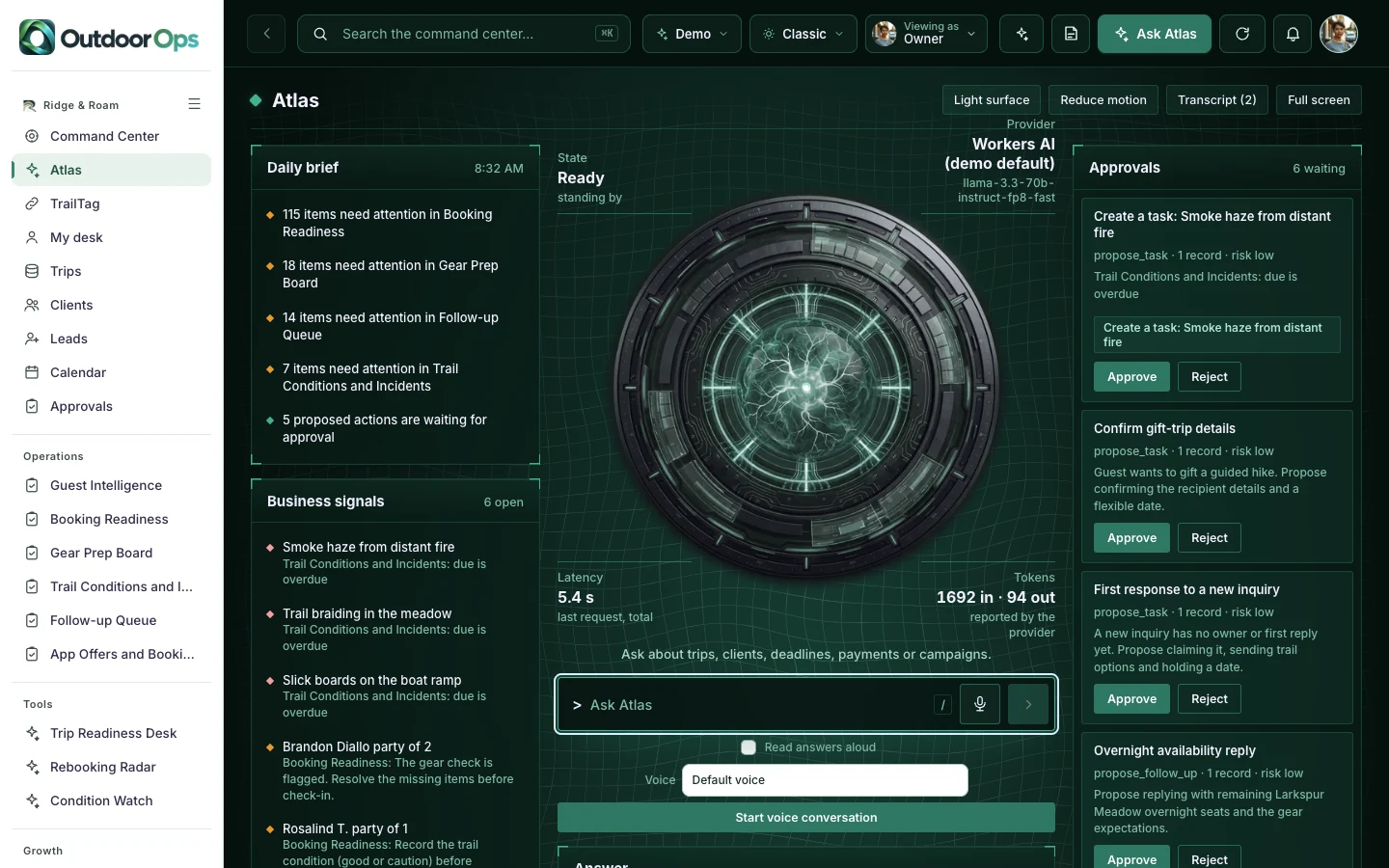
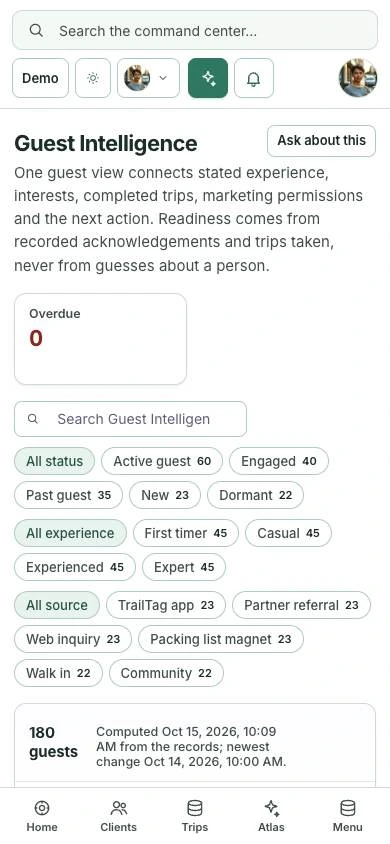
Built for outfitters, guide businesses and outdoor operators.
The guide meets a party without knowing who is a first-timer and who has done the route before.
A missing acknowledgement or gear check surfaces at the trailhead instead of the night before.
A report from the field needs a place in the operating conversation so the team can decide what requires follow-through.
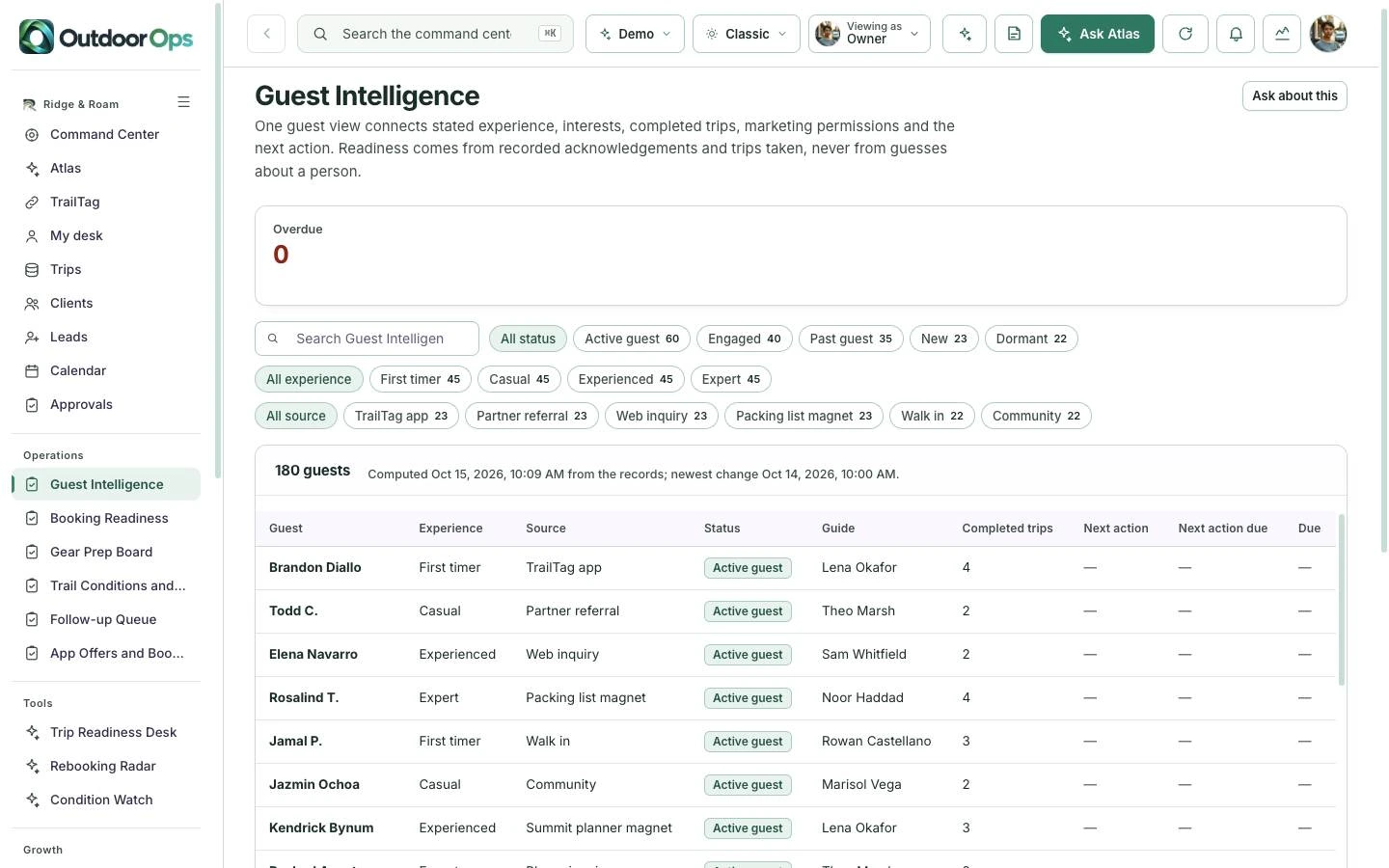
Guest Intelligence connects each guest’s stated experience, interests, completed trips and marketing permissions, with the guide and the next action.
Booking Readiness lists every party on every upcoming trip with its acknowledgement, gear and check-in state. The check-in gate names exactly what is missing.
Open Booking Readiness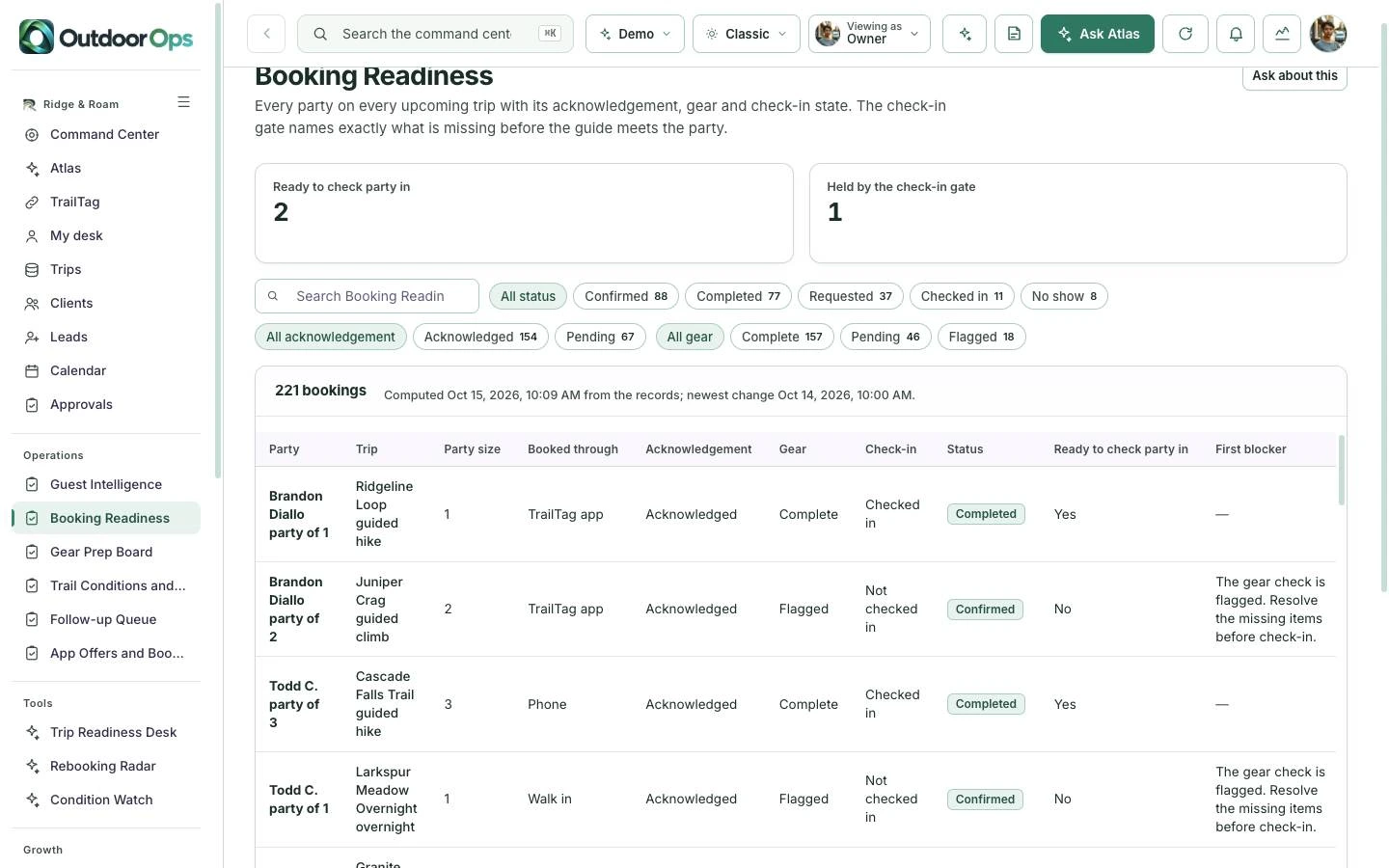
ATLAS lists what needs attention in booking readiness, gear prep and trail conditions. Proposed actions wait in Approvals until a person approves or rejects them.
Explore ATLASThe command center is the operating home for the team. ATLAS reads the same records and suggests the next step for a person to approve.
Priorities, owner metrics and every operating module in one place.
Open the command centerAsk about the records, read the daily brief and approve suggested actions.
Open ATLASStart with Outdoor Ops on its own. Add its companions when your business needs the customer experience, the operating view and the ongoing community together.

Experience app. A trail-day companion that makes every visit more memorable and more responsible.
Explore TrailTagCommand center. A field-ready view of guests, routes, staff and conditions.
Try the Outdoor Ops demo
Membership platform. A community built around skills, stewardship and the next good route.
Explore TrailboundTrailTag supports the customer’s immediate journey. Outdoor Ops gives the team an operating workspace. Trailbound extends the relationship with learning, useful tools and community.
Choose one product or ask us to scope a bundle. Shared data, live integrations, permissions and automation are agreed and tested for your implementation.
You are choosing a starting platform, then shaping it around your business. We define the actual pages, roles and connections with you before the build.
Get pricing for Outdoor OpsPick the product, the people who will use it and the workflows that matter. Decide whether you need one platform or the paired family.
Adapt the logo, palette, copy, resources and agreed screens. Set the access and approval boundaries for your team.
Walk through desktop and mobile views, roles and the scoped connections. Confirm the content and launch plan before publishing.
Yes. Start with one product and add its paired command center, experience app or membership later. A bundle is optional.
The price depends on the pages, roles, content, integrations and support you choose. Use the pricing page to compare services, or request a quote for an itemized scope.
Yes. The implementation is branded for your business. We adapt the visual identity and agreed content rather than asking your customers to use the example company’s brand.
Yes. Open the command center for the operating view, then ATLAS to see how it answers questions about the same records.
No. It carries conditions, incidents and readiness to the team. Local expertise and real-time safety decisions stay with your guides.
No. Production data, provider accounts, permissions, live messaging and payments are set up and verified as part of your scope.
Your quote identifies the screens, branding, content, roles, connections and support included. You review the finished experience before launch.
Explore the working experience, then tell us what you want to make your own.