

Membership Website vs. Brochure Website
A brochure website helps people learn about your business, see your work and get in touch. A membership website adds a place people can sign in and do something they want to come back for. If you teach a program, host a recurring event or help customers work through a process over time, that second visit is worth designing for.
- Find your hours, compare services, see examples or request a quote Start with public website pages.
- Download one public checklist or register for a single event Add a focused resource or registration page.
- Return to lessons, use member-only resources or join regular discussions Add a membership area with a clear first task.
What changes once people can sign in?
A public site still has a job. It should explain who the membership is for, show what people can do inside and give them a clear way to join. After sign-in, the member should land somewhere they can use right away. Give them their first lesson, planning tool or event, and show how to pick up again later.
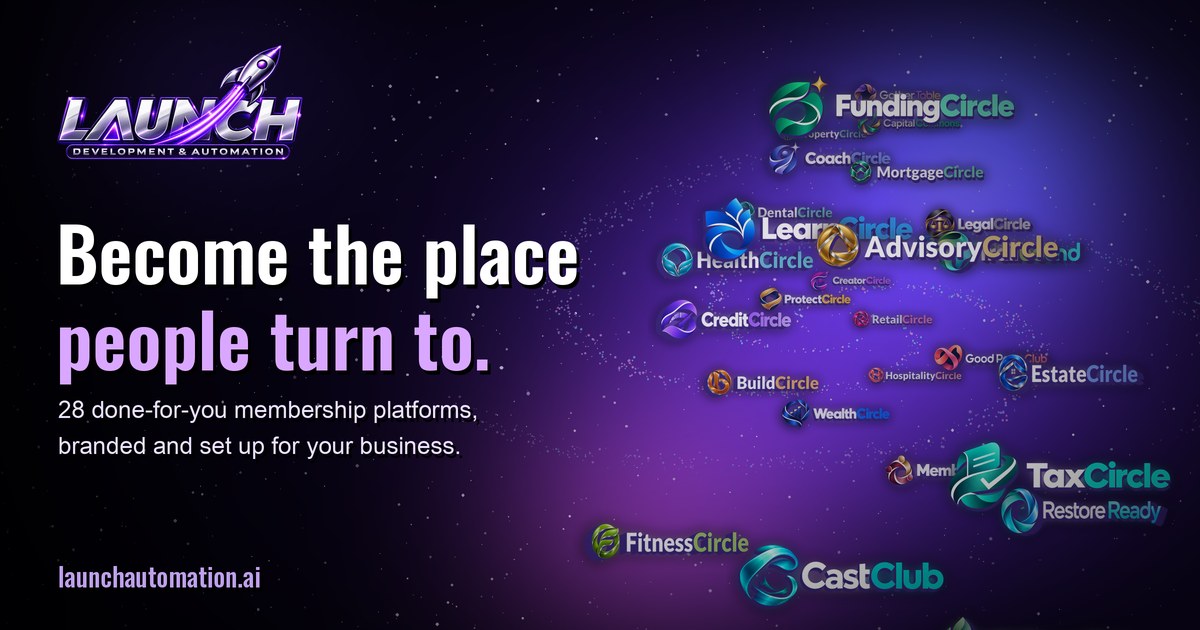
The CoachCircle example gives coaching clients a weekly plan and private check-ins. The coach can use what a member chooses to share to start the next conversation. Open the sample check-in screen to see how a client can return between appointments.
In Cast Club, charter guests can prepare for a trip with lessons and live sessions. The business can keep guests informed between bookings and give returning guests a way to request another trip. Those tasks give the community a purpose from day one.
On the owner side, the same platform shows active, new and paid members. The team can publish a session, review activity and moderate discussions from its own dashboard. Try both roles in the Cast Club demo to see what each person can do.
Start in the member view and find an upcoming session. Notice what tells you when it starts and what you would do to join. Then open the owner view and find where your team would go to manage events. If either step is hard to find, write it down as a requirement for your own platform.
A venue website can show rooms and collect inquiries. Once an event is booked, hosts still have work to do. In the Gather Table event planning demo, open the member view and find the guest-count and budget planners. Think about which task your hosts repeat as their guest list changes and whether a shared resource would save an email to your team.
The Restore Ready membership demo asks property owners to use a readiness score and take a short lesson. Open the member view and find the first action you could finish in ten minutes. For more industries and member journeys, compare six membership website examples.
Decide what to launch first
- Write down one thing a member should finish in their first visit. Choose an action you can show in a demo.
- Pick a reason for the member to return. It might be a new lesson, a recurring event or a check-in they can complete in a few minutes.
- Name who will keep it useful. Assign responsibility for updates, member questions and moderation before opening access.
- Measure the two visits separately. Track sign-ups, completion of the first task and how many members return for the next one.
For example, invite 20 coaching clients to try a weekly check-in. If 12 finish the first check-in and six of those 12 return the next week, half of the people who tried the activity came back. Ask the members who stopped what got in their way before you add another course or feature.
Can you keep the website you already have?
Yes, if the current website explains your offer and gives people an easy way to join. Add a clear sign-in link and keep public pages for services, prices you choose to publish and answers people can read before creating an account. A member area can be a separate part of the project.
Test the journey with a new member. Can they tell which resources need an account? If they forget their password, can they get back to the lesson or event they were trying to open? Those transitions are worth reviewing alongside the visual design.
When is a site builder or plug-in enough?
A site builder or membership plug-in can be a sensible first choice when the member journey is simple and someone on your team can own the setup. Before choosing one, test the complete path: join, make a payment, receive access, reset a password, renew, cancel and change access when a member’s status changes. Test the same steps from the staff side too.
The question is not whether a builder can show a login. It is whether members and staff can finish the work without a workaround. When the public site, member area, recurring resources and owner workflow need to work together, a custom membership platform gives the project one agreed experience instead of a collection of separate tools.
What should people find before they sign in?
Keep a public page that explains who the membership is for, what members get and how to join. Show a sample lesson, event agenda or resource so visitors can see what they would use. Link to this page from the main website.
Keep paid lessons, member discussions and account details behind the sign-in. For a coaching community, the public page can explain the weekly check-in and show a sample question. Members sign in to submit their answers and read their coach’s feedback.
For a professional association, give each recurring workshop a public page with the topic, who it helps and a sample agenda. Keep the replay, worksheets and member discussion in the private portal. Link the public workshop page from the association website so people can find it through search or share it with a colleague.
Use the same split for volunteers. A public page can explain what help is needed. After sign-in, members can pick a shift or join a waitlist. Open the MemberCircle Volunteer Desk to see what a member can do without asking a coordinator to add them to a list.
Before launch, open the workshop page and the replay link in a private browser window. The agenda should open immediately. The replay should require an account with access. Then sign in as a member and make sure the replay opens. See more community and coaching platform examples for ways to organize events, courses and discussions.
What should a membership quote cover?
List the resources you have ready, the access levels you need and who can publish or moderate. If you charge for membership, ask who handles payment receipts, failed renewals and access changes when someone cancels.
Ask which part of the cost covers the build and which part covers ongoing hosting, support and content updates. Launch Automation membership platforms start at $297 per month. See monthly and annual membership pricing before you scope your first version. For the first-year math and quote checklist, see how much a membership website costs. Start with one member group and its first recurring activity. You can add programs and access tiers once you know what members use.
If your customers mainly need to browse services and contact you, a custom website can cover that job. If you can name the work people will do on their first visit and what they’ll come back for, learn what a membership platform is, then explore the ready-made membership platforms to see how that flow could work. When you have a first member activity in mind, get a membership quote for that scope.
Compare a website, an app and a membership platform side by side if you’re still deciding which one fits.
Published by Launch Automation, Boca Raton, Florida.