One useful first action
A new member should not land in an empty library. Show the next lesson, a plan, a saved resource, an upcoming event or the relevant community prompt.

A membership should give people something useful to do after they join. That can be a course, private resource, community, event plan or tool. These six live demos show the member job before the feature list. Each uses a fictional business and sample data, not customer results.
Explore 28 live membership demosCompare a membership with a websiteWritten by Corey Gray, founder of Launch Automation. Reviewed November 23, 2026.
The useful distinction is not whether a page has a login. It is whether a member has a clear reason to return. A public website explains the offer. A membership platform gives people a private place to learn, participate, use a resource or manage an ongoing relationship.
A new member should not land in an empty library. Show the next lesson, a plan, a saved resource, an upcoming event or the relevant community prompt.
Make it obvious what changes after today. New resources, progress, member questions, events or a tool can bring someone back without relying on a generic reminder.
CoachCircle demonstrates a member journey built around goals, weekly planning and private check-ins. The key question is whether a member can act on the plan before the next session.
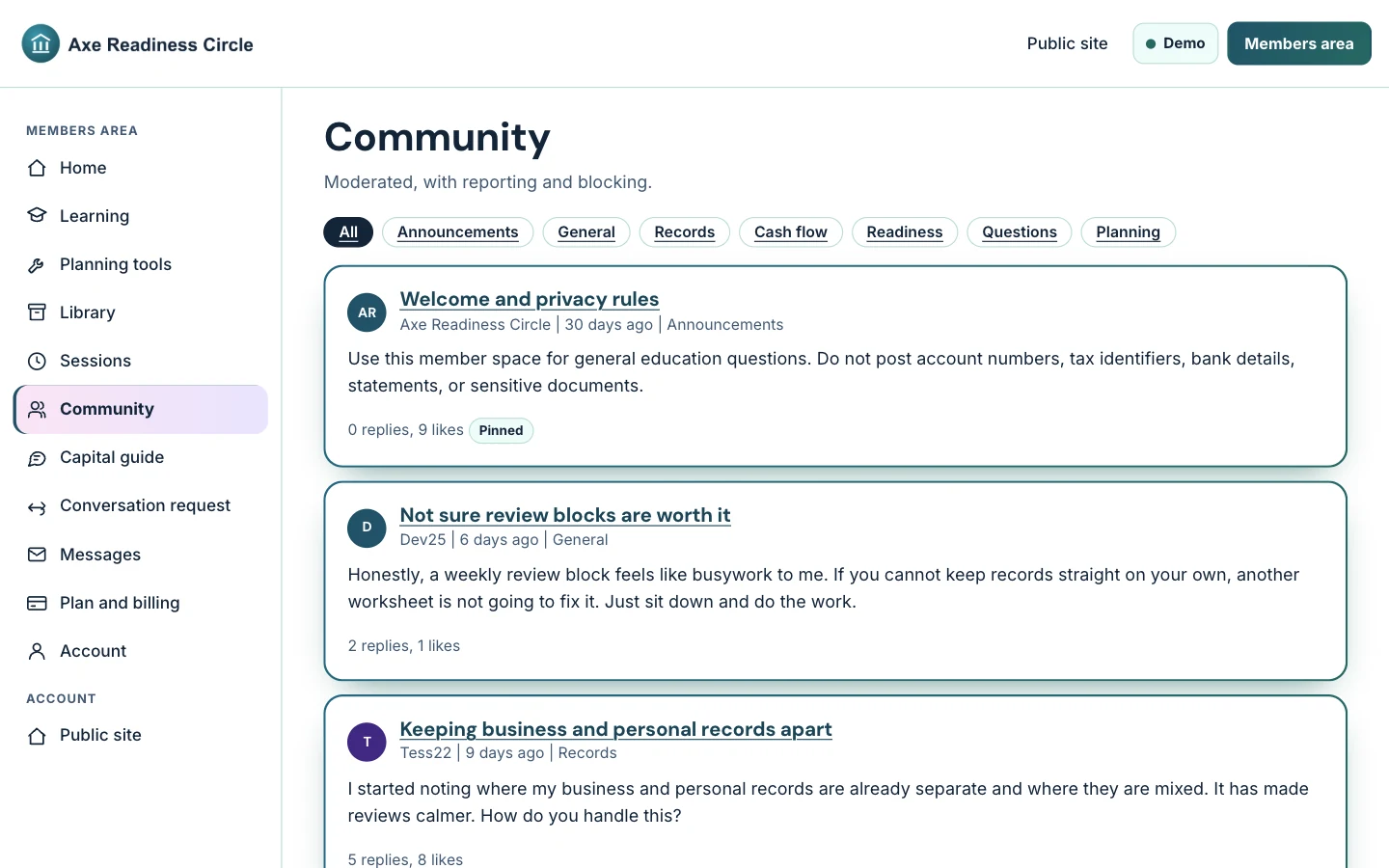
Capital Commons demonstrates a member space for discussion, resources and professional connection. A good community starts with a relevant first conversation, not an empty feed.
LearnCircle demonstrates how a course and a member area can work together. A member should see what to start, what comes next and where to ask for help.
MemberCircle demonstrates a private destination for members who need resources, updates and a reason to participate between events or renewals.
CreatorCircle demonstrates a platform where members can discover content, take part and keep track of what is new. The member experience should make the value of access clear.
Restore Ready demonstrates a private resource experience. A member should be able to find the right answer or next step without starting over in an inbox.
Can a visitor understand who the membership is for, what they receive and why joining now makes sense?
After opening the demo, look for the first useful action. It should be clear without a tour from the owner.
Check whether the people managing the platform can publish a resource, see member context and answer a question without creating another disconnected tool.
Start with one recurring job for the member. It is more useful to launch a focused member experience than to fill a portal with sections nobody needs yet.
Use a clear learning path when members need to build a skill over time. Show the next lesson and give them a place to ask a specific question.
Use a private library when the value is finding the right template, checklist, recording or calculator when it matters.
Use a community when the value comes from peers, regular events, feedback or access to a relevant group. For event venues, explore Gather Table to see sample planning tools, lessons and events for members. Read the event venue membership guide for questions to ask before building.
Use a member area when a client needs ongoing updates, documents, plans or next steps after the initial project or sale.
A brochure website explains an offer and collects an inquiry. A membership website gives a person a reason to sign in, such as a course, resource library, community, event or private tool.
A new member should see one useful next action immediately, such as choosing a goal, opening a lesson, finding a resource or joining a relevant discussion.
Yes. The public website can introduce the business and explain the offer, while the member area gives registered people private resources, courses, community or tools.
Try the public journey, member journey and owner workspace. Check whether a visitor understands the reason to join, a member can find the first useful action and an owner can keep content and member help organized.