Group by color and finish
Use familiar families such as pinks, reds and neutrals. Add finish labels such as shimmer or cream when they reflect the products you carry.

A digital shade chart helps guests browse your salon's colors and gives the team a clear way to identify the selection. Start with an accurate catalog, then test the handoff from the guest to the technician.
Explore the PolishSuite demoSee the salon case studyWritten by Corey Gray, founder of Launch Automation. Published November 27, 2026. Updated November 28, 2026.
List each polish with the name, brand, shade number, color family and finish your team uses to find it. Agree on one naming format. When two bottles look similar, the brand and number help the technician identify the right one.
Photograph or scan a physical swatch under consistent lighting. Screens and lighting can change how a color looks, so ask guests to confirm the physical swatch before application. Keep the real polish wall available for texture and finish comparisons.
Use familiar families such as pinks, reds and neutrals. Add finish labels such as shimmer or cream when they reflect the products you carry.
Assign one person to add new shades and mark unavailable products. Decide what the guest sees when a favorite shade runs out.
Use a consistent photo and a readable shade name. Test the chart on the devices and network your salon will actually use.
Ask a guest to select two shades and choose one. Then ask a technician or front-desk team member to identify the shade and the correct station without asking the guest to repeat the details.
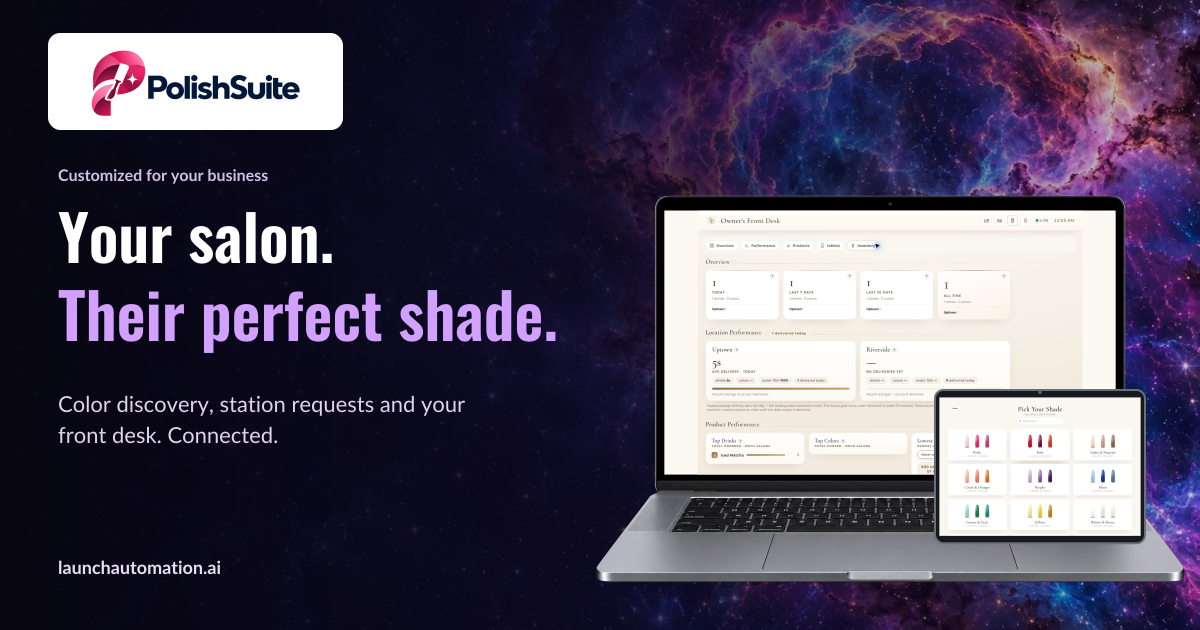
In the PolishSuite demo, open the guest view, compare two shades and send a sample request. Then open the front-desk view and look for its salon and station context. The demonstration uses fictional salon data. Your catalog, devices and workflow are agreed in your quote.
Record where the person hesitates, whether the chosen shade is available and how staff handle a correction. Repeat the test with a second station so requests do not get mixed up.
Before introducing the chart, observe a few normal appointments and note how long it takes a guest to choose a shade and how often staff need to clarify the selection. Repeat the same observations after the team has had time to learn the new process.
Record whether the technician found the right bottle and whether the guest changed their mind after seeing the physical swatch. Compare similar services and busy periods, and avoid recording guest names or other personal information. A small test can reveal where the handoff needs work; it cannot guarantee faster service or higher revenue.
A digital shade chart and a photo try-on tool can do different jobs. If guests need to see a color on a photo of their hand, ask each vendor to demonstrate that feature with your devices and polish catalog. The PolishSuite demo shows shade browsing and comparison with in-salon requests. Ask for any photo-based try-on work to be described separately in your quote.
Ask how shades are added, who can edit them and how unavailable colors are marked. Confirm whether importing your existing list is included.
See exactly what the front desk or technician receives, including the shade identifier and station. Ask how the guest can change a selection.
List devices, locations, setup, support and any connections to booking or point-of-sale tools. Ask which integrations need separate work and who pays third-party fees.
It can help guests narrow down choices, but a physical swatch remains useful for confirming color and finish under the salon's lighting.
PolishSuite is a browser-based experience. Confirm device support, station setup and any phone-based entry journey for your own salon before launch.
The current PolishSuite demo focuses on shade browsing and in-salon requests. Booking, point-of-sale connections and paid checkout require a separate agreed scope.
The proposed version can be tailored to your brand and catalog. Confirm the list, images, import work and ongoing update responsibilities in your quote.