Publish one approved brief
State the offer, start date, eligible items and the approved answer to likely guest questions. Assign an owner who can correct the brief when details change, and make the current version easy for every location to find.
When a menu offer changes, each restaurant needs the same approved information and a clear way to show it is ready. Plan the brief, practice the guest conversation and have a manager review the location before launch.
Explore the free demoSee BrandPilotWritten by Corey Gray, founder of Launch Automation. Published November 27, 2026.
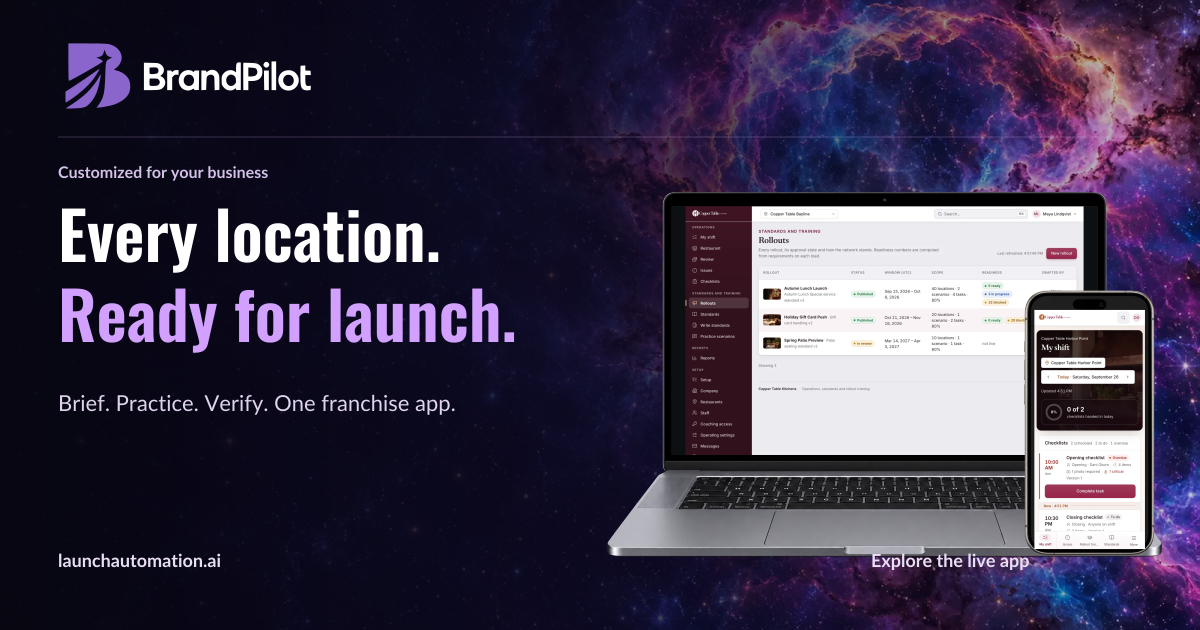
Give every location one current brief, identify the people responsible for each task and check the work before guests see the offer. Start with one rollout and a few locations, then use their feedback to improve the process before expanding.
For example, a lunch special may need menu boards, register setup and a clear answer when an item is excluded. The team needs to know the offer. A manager needs to verify the setup. Headquarters needs to see where support is still required.
State the offer, start date, eligible items and the approved answer to likely guest questions. Assign an owner who can correct the brief when details change, and make the current version easy for every location to find.
Decide who updates the menu board, checks the register and explains the offer to guests. Assign a manager to review the work and tell staff how to report a problem before service starts.
Let staff rehearse a difficult conversation using the approved guidance. Ask a trainer to check the answer in the actual restaurant context. Practice supports training; it does not replace supervision or required certifications.
Check whether the assigned work is complete, what evidence the manager needs and which location needs help. Agree on who can mark a location ready and what happens if a task cannot be completed.
The University of Nebraska restaurant operations checklist offers another starting point for organizing new-employee training. Adapt any checklist to your operation and current requirements.
The BrandPilot restaurant demo uses a fictional restaurant group and a sample lunch rollout. Open the team member view to see a shift brief, required practice and location tasks. Switch to the manager view to explore the review side.
The sample practice conversation is scripted, not a live AI integration. Its people, locations and results are fictional. Your own training content, roles, integrations and launch scope are agreed before a production build. See the BrandPilot product page for details.
Name the person who approves changes and the managers responsible for reviewing each location. Decide how staff find the latest version.
Choose which setup tasks need a manager check, what evidence is appropriate and how a location gets help when something is not ready.
List any identity, scheduling, training or reporting systems you already use. Connections depend on compatibility and the scope you agree to build.
Yes. The BrandPilot sample workspace is free to explore. It uses fictional restaurant data and does not represent a live customer rollout.
No. The sample can illustrate a brief, practice and review workflow. A restaurant still needs its own training, supervision and applicable certifications.
The current sample uses a scripted guest conversation. Any live AI connection would need to be discussed and included in the agreed scope.