Store selection
Ask which location the shopper plans to visit before showing location-specific aisles or availability.

A useful grocery list connects ingredients to products a shopper can find at the selected store. Start with pack sizes, aisle information and a clear way to handle substitutions.
Explore the GatherCart demoCompare app costsWritten by Corey Gray, founder of Launch Automation. Published November 27, 2026. Updated November 28, 2026.
A recipe can ask for two cups of berries, while a store sells berries by the package. A useful list tells the shopper which product and package size to consider, then makes the final choice clear.
For a test, take one recipe, check the ingredient quantities and match each item to a real product in one store. Record the product name, package size and aisle. If a match is uncertain, say so and give the shopper a way to choose or ask an associate.
Ask which location the shopper plans to visit before showing location-specific aisles or availability.
Show how the recipe quantity relates to the package. Let the shopper adjust the number of packages before relying on the list.
Ask whether shoppers can remove ingredients they already have or adjust quantities before saving the list. Test how that works when the same ingredient appears in more than one recipe.
Offer a suitable alternative when the preferred product is unavailable, but let the shopper decide. Ingredients, dietary needs and package sizes may differ.
Give the aisle or department when your store data supports it. Provide a way to ask for help when the shelf or map has changed.
In a 2024 example, the Independent Grocers Alliance described its Family Meals Made Easy platform, which lets shoppers add recipe ingredients to a list organized by section and aisle. IGA also described ways for member stores to share those recipes through their own channels.
That is an example from IGA, not a Launch Automation project. For your own store, start by checking whether the product and aisle information can be kept accurate at each location.
Pick one meal and ask a shopper to build a list without coaching. Then have a staff member find the products using the list and note every unclear match, missing package size or incorrect aisle.
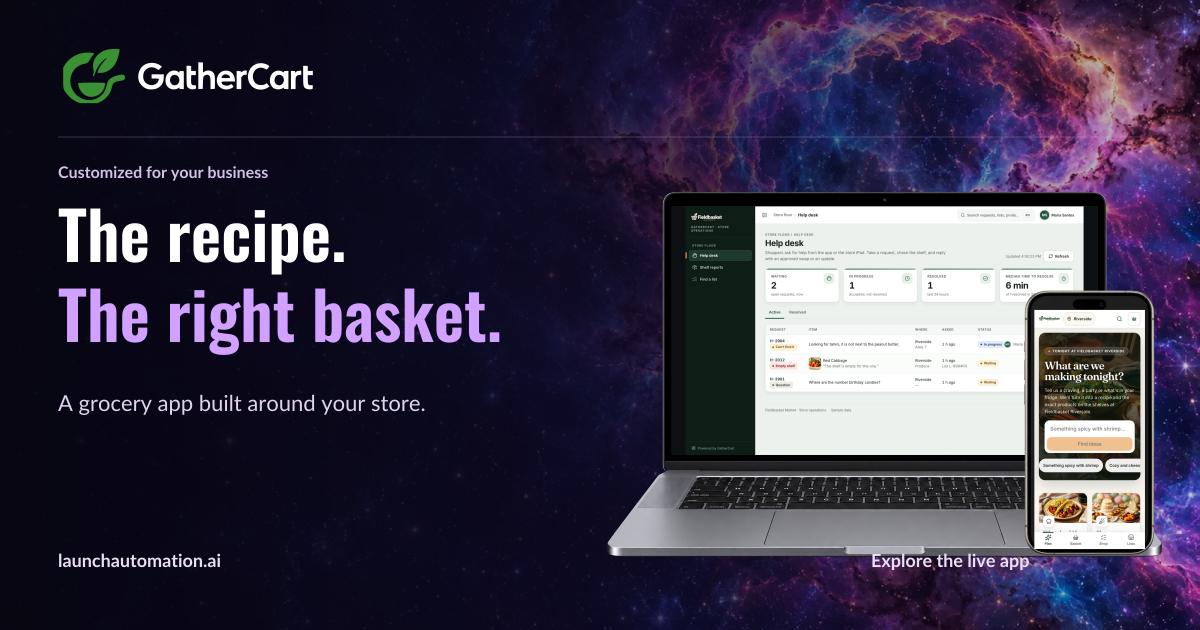
In the GatherCart demo, explore how a meal plan becomes a list and compare the shopper view with the store team's workspace. The demo uses a fictional store and sample data. Your catalog, feeds and staff workflow would be agreed before a production build.
Repeat the exercise when an item is unavailable. Check that a person can choose an alternative or get help rather than assuming the app knows what is on the shelf.
Identify who supplies product identifiers, package sizes and location data. Agree how often each source updates and who fixes errors.
Show when availability or price is uncertain. Confirm the final price at checkout, and do not promise a product is on the shelf based on an old feed.
Specify the first store, recipe set, catalog import, support and any ecommerce, payment or loyalty connections. Ask which systems and third-party fees require separate work.
Yes. A list can include product and aisle guidance when the underlying store data is available. Test it against the actual store layout.
Not necessarily. GatherCart's core demonstrated journey helps people plan and navigate a shopping trip. Checkout, loyalty and payment connections require a separate agreed scope.
A production plan can include a store's eligible catalog after reviewing identifiers, pack sizes, feeds and update frequency. The public demo uses sample data.
Agree on a baseline and measure list completion, product matches needing correction and help requests in the first store. Treat basket changes as an outcome to measure, not a guarantee.