Before the visit
Confirm the date, location, service and contact details. Ask how the family will provide any records your policy requires, how staff review them and what happens if something is missing.

A clear handoff helps a family share important details and gives the care team a consistent place to review them. Use this checklist to plan the journey before choosing software.
Explore the PawPass appBy Corey Gray, founder of Launch Automation. Updated November 28, 2026.
Before arrival, agree on who will confirm the pet, service, dates, pickup contact and any care instructions the facility needs. Decide which information a family can update and who on your team reviews a change. Keep a way to correct a mistake when the person at the desk notices it.
Requirements for records and care differ by facility and location. Set your policies with your veterinarian and applicable authorities. A checklist or app does not replace the judgment of qualified staff.
Confirm the date, location, service and contact details. Ask how the family will provide any records your policy requires, how staff review them and what happens if something is missing.
Show the team who is expected and which details need confirmation. Check the assigned service and space before updating a status. Make special instructions clear to the people who will care for the pet.
Agree on what the family should receive after a stay, who reviews it and how corrections are handled. Confirm the pickup status and make it easy to ask a follow-up question.
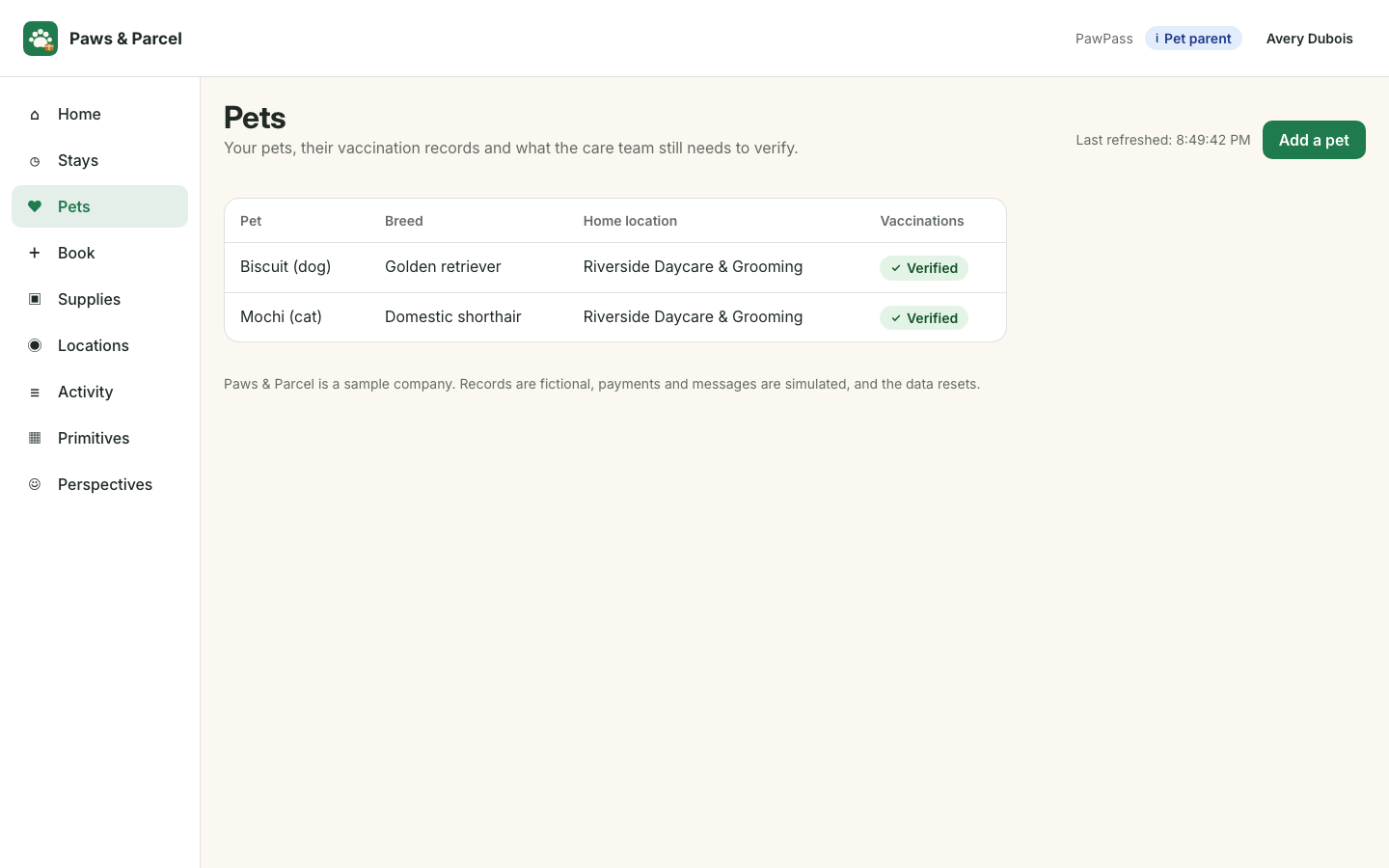
Open the PawPass demo and choose a care-team perspective to see the check-in screen and sample capacity board. Return to the perspective chooser and open a pet-parent view to see a list of stays. The sample completed stay we reviewed included a drop-off note and a published report card.
Paws & Parcel, its people and records are fictional. Messages and payments in the demo are simulated and the data resets. Production access, records and connections should be agreed and tested for your business.
For an example of how one provider handles configurable booking questions and records, see MoeGo's booking questions guide. Its process is specific to that service and should not be assumed for every app.
Walk through one fictional daycare visit from the parent and staff perspectives. Check the arrival information, identify any missing details and review what a family sees after the visit. Record where the team needs clarification, then repeat the test after changes. Do not use real client or pet records in a public demo.
Compare custom app costs or explore PawPass for pet-care businesses.
Ask about a PawPass build